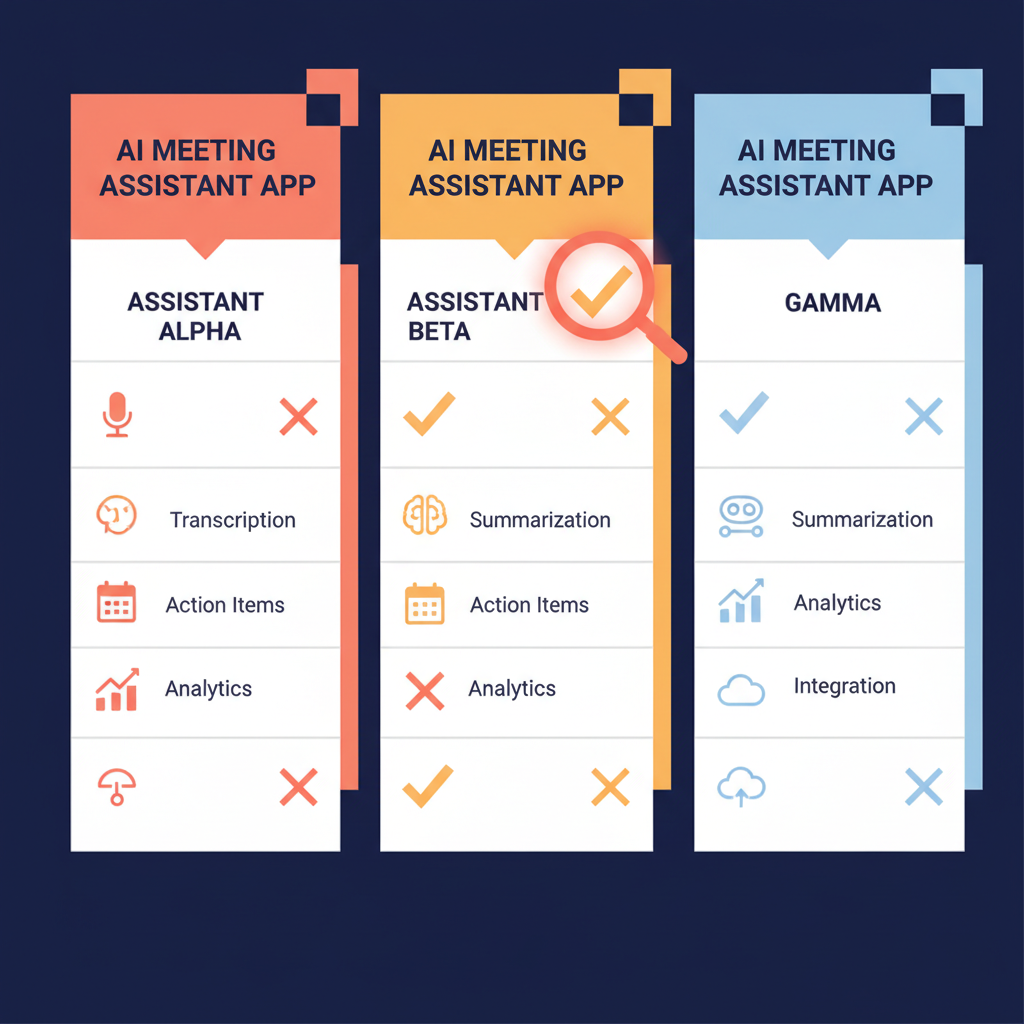
This review compares pricing, real strengths, and honest weaknesses so you can match a tool to how you actually meet — not to a feature checklist that looks good in a demo.
Quick Verdict
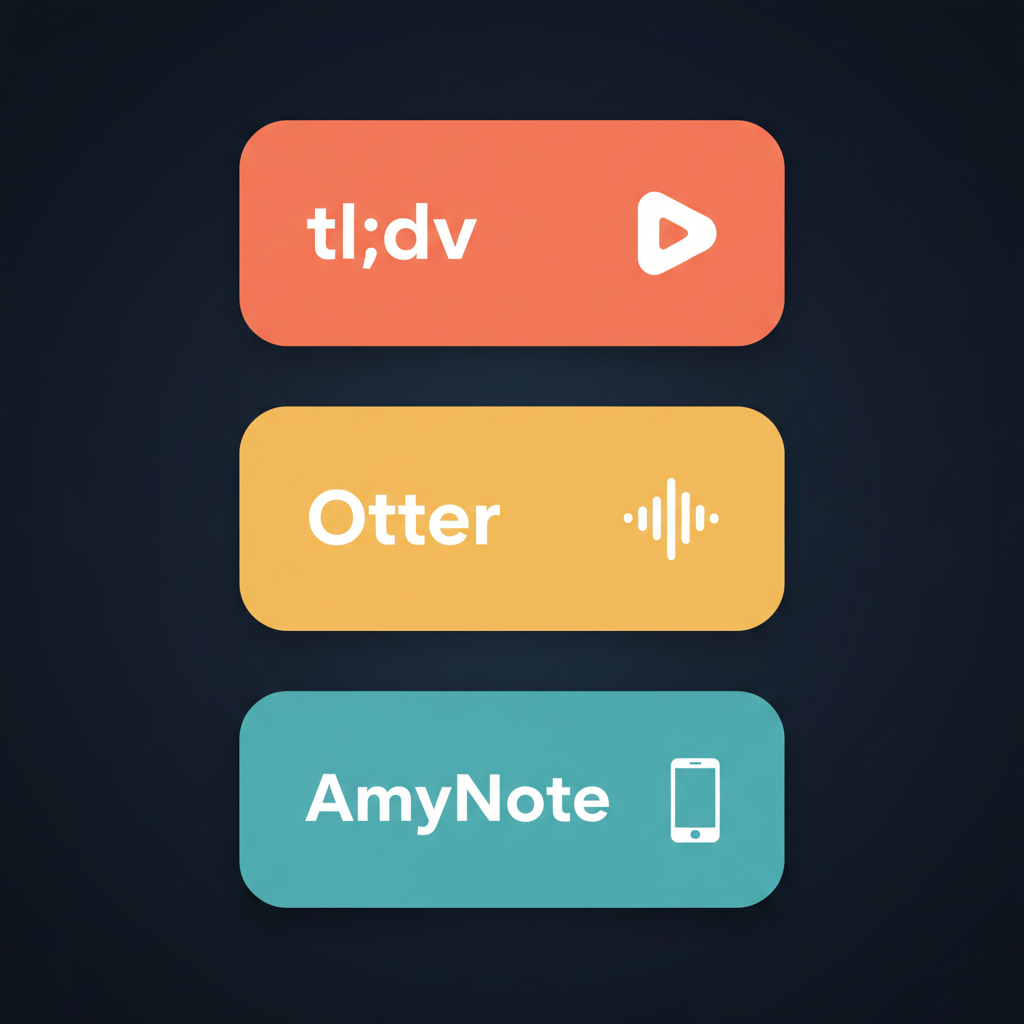
Choose tl;dv if your team runs sales calls on Zoom or Meet and you want coaching frameworks like BANT and MEDDICC built in.
Choose Otter if you live in clean-audio video meetings and want the highest transcription accuracy in the category.
Choose AmyNote if your meetings are mostly in person, on the phone, or you simply do not want a bot joining every call.
What We Compared
We looked at four things buyers actually feel after switching: real cost at usable plan tiers, where the tool physically captures audio, what the AI does beyond transcription, and how each handles privacy. Free tiers were judged on whether they are usable in practice or just a trial in disguise.
tl;dv — Sales-First Bot With Coaching Built In
Strengths. tl;dv is the only tool in this comparison that ships native sales coaching. The Business plan includes Template Playbooks for BANT, SPIN, MEDDICC, and Customer Success Business Reviews, plus a speaker analytics dashboard that tracks talk-to-listen ratio, average monologue length, and filler words. Scorecards and objection-handling tips make it a genuine coaching layer, not just a transcription tool. Native CRM sync to HubSpot and Salesforce is included on Business. The free plan technically offers unlimited recordings, which sounds generous.
Weaknesses. That free plan has sharp catches. Recordings auto-delete after three months, and you get only 10 AI summaries for the lifetime of the account, not per month. After that, you are transcribing without any AI value unless you upgrade. Paid pricing climbs fast: Pro is $18 per seat per month annually or $29 monthly, and Business is $59 per seat per month annually. A four-rep sales team on Business runs $2,832 a year. tl;dv also requires a bot to join the meeting, visible to every participant — which, on an external client call, can feel intrusive.
Otter — Accuracy Leader With OtterPilot
Strengths. Otter has the strongest reputation for raw transcription accuracy in the category, typically cited around 93 to 95 percent on clean audio. OtterPilot auto-joins scheduled meetings on Zoom, Meet, and Teams, and Otter AI Chat lets you ask questions across your entire transcript library. Real-time collaborative notes work well for live note-sharing during a call. The Pro plan at $16.99 per month, or $8.33 per month billed annually, is the cheapest mid-tier option in this comparison.
Weaknesses. The free plan is restrictive: 300 minutes per month and only 3 file imports, with a 30-minute cap per conversation. Heavy users hit the wall in week one. Pro caps conversations at 90 minutes, which kills any quarterly business review or long workshop. Business removes the meeting cap but limits imports to 6,000 minutes per user per month. Language support is narrow — English, French, and Spanish, with English getting the best accuracy — so multilingual teams hit limits fast. Otter is also bot-based, cloud-stored, and historically uses customer data for model improvement unless users opt out, which raises eyebrows for sensitive industries.
AmyNote — Mobile-First, Bot-Free, In-Person Capable
Strengths. AmyNote runs as an app on the phone in your pocket. There is no bot joining a video call, no calendar integration to set up, and no participant ever sees a third-party tool on the screen. That makes it the only one of these three that handles in-person meetings, cafe interviews, hallway conversations, and walk-and-talks without extra hardware. Transcription runs through OpenAI's Speech API and AI analysis through Anthropic's Claude Opus. Both providers contractually guarantee user data is never used for model training. Audio is encrypted in transit; processing copies may be retained to deliver and recover requested features; transcripts stay on device with encrypted transport. AmyNote supports 120+ languages with real-time translation, far beyond Otter's three, and its cross-session speaker identification remembers voices across meetings, not just within a single call. There is a three-day free trial with no credit card required.
Weaknesses. AmyNote is mobile-first with no desktop app, so users who want to dictate at a laptop are out of luck. There are no CRM integrations like Otter and tl;dv offer, no video recording, no built-in sales coaching playbooks, and no team or enterprise admin features yet. Brand recognition is smaller than Otter, so internal champions sometimes have to defend the choice.
Side-by-Side Comparison
| tl;dv | Otter | AmyNote | |
|---|---|---|---|
| Capture method | Bot on video calls | Bot on video calls | Phone mic, in-person or call |
| Free tier reality | Unlimited recordings, 10 AI summaries forever, deleted after 3 months | 300 min/mo, 30-min conversation cap | 3-day full trial, no card |
| Mid-tier monthly cost | Pro $18 annual / $29 monthly | Pro $8.33 annual / $16.99 monthly | Single straightforward tier |
| Conversation length cap | None on paid | 90 min on Pro | None |
| Languages | 30+ | 3 (EN, FR, ES) | 120+ with translation |
| Sales coaching | BANT, MEDDICC, SPIN, scorecards | None native | None native |
| CRM sync | HubSpot, Salesforce (Business) | HubSpot, Salesforce (Business) | None |
| Privacy posture | Cloud storage, SOC 2 | Cloud; data used for model improvement unless opted out | Zero-training contracts, audio processing copies may be retained to deliver and recover requested features, local-first storage and encrypted transport |
| In-person meetings | Not supported | Limited mobile workaround | Native, primary use case |
The Bot Problem Nobody Talks About
Both tl;dv and Otter rely on a recording bot to join your meeting as a visible participant. For internal team calls, that is a minor nuisance. For client-facing meetings, it changes the dynamic: some people clam up when "tl;dv Notetaker" or "Otter.ai" appears in the participant list, and others ask what it is, derailing the opening of the call. In regulated industries, an uninvited third-party bot joining a confidential conversation can be a compliance concern, not just an awkward moment.
AmyNote sidesteps this entirely by capturing audio on the phone. No bot, no third-party participant, no visible indicator. The tradeoff is that you need your phone present and there is no automatic calendar trigger to start recording when a Zoom call begins.
The Bottom Line
The right tool is the one that matches where you actually meet.
Sales teams running playbook-driven Zoom calls will get more value from tl;dv than from anything else here, as long as the team is big enough to justify $59 per seat per month for the Business plan that unlocks coaching.
Knowledge workers in clean-audio video meetings who care most about transcript quality should look at Otter — just budget for Pro from day one, because the free plan disappears in a week.
Anyone with a meaningful share of in-person, mobile, or multilingual meetings is the wrong customer for both. That is who AmyNote is built for: no bot, no calendar dance, no minute cap, no English-only ceiling, and a privacy architecture where both OpenAI and Anthropic contractually guarantee zero training on your data, audio processing copies may be retained to deliver and recover requested features, and every transcript stays on the device with encrypted transport. Try it free for three days at amynote.app, no credit card needed.
Originally published as an X Article.