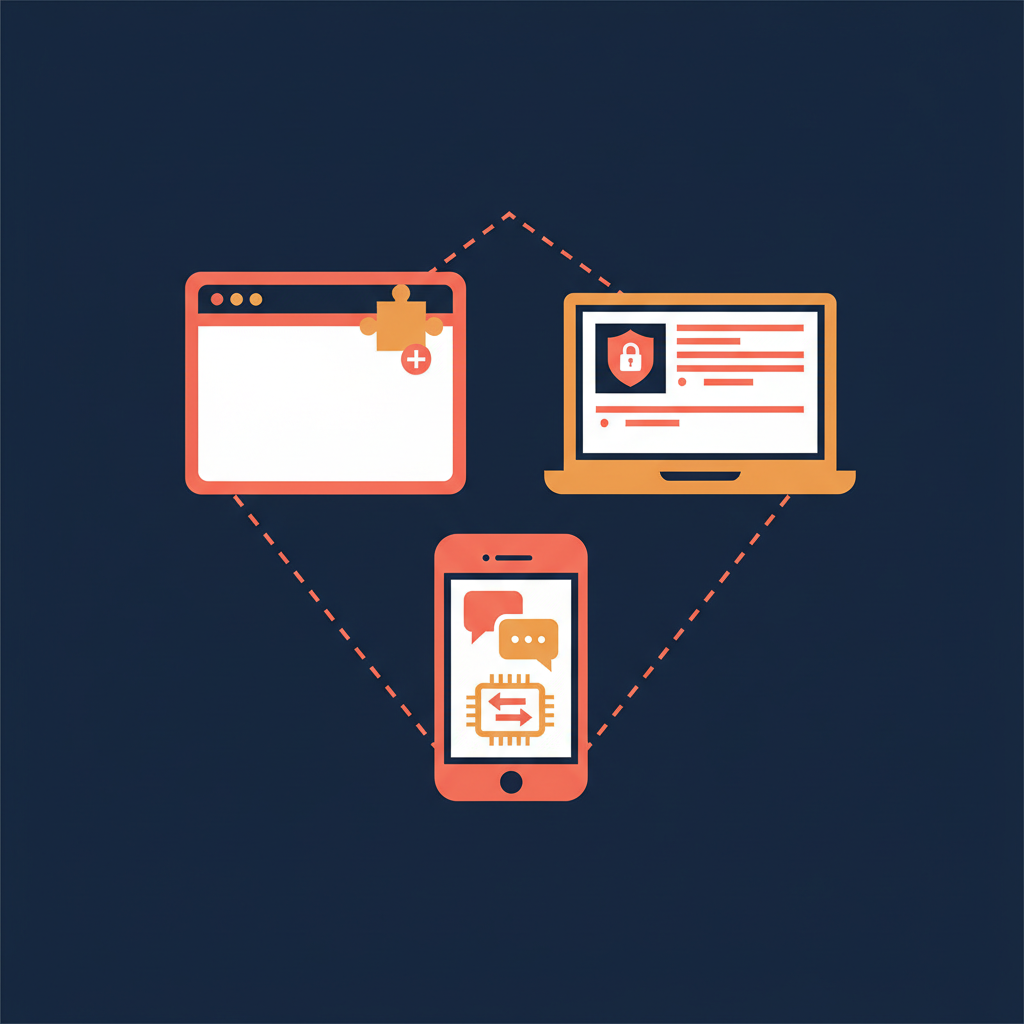
You shop for an AI meeting tool by feature list. You actually live with it by device. The most common reason teams quietly stop using whatever they signed up for last quarter is not a missing feature — it is that the tool only worked in a Chrome tab, or only on a corporate laptop, or only when a bot could legally join the room.
Three of the most-asked-about tools in 2026 — Tactiq, Fellow, and AmyNote — each pick a different device to live on. This breakdown walks through how each one is built, what each one charges, and where each one quietly falls down so you can pick the one that fits how you actually meet.
Quick Verdict
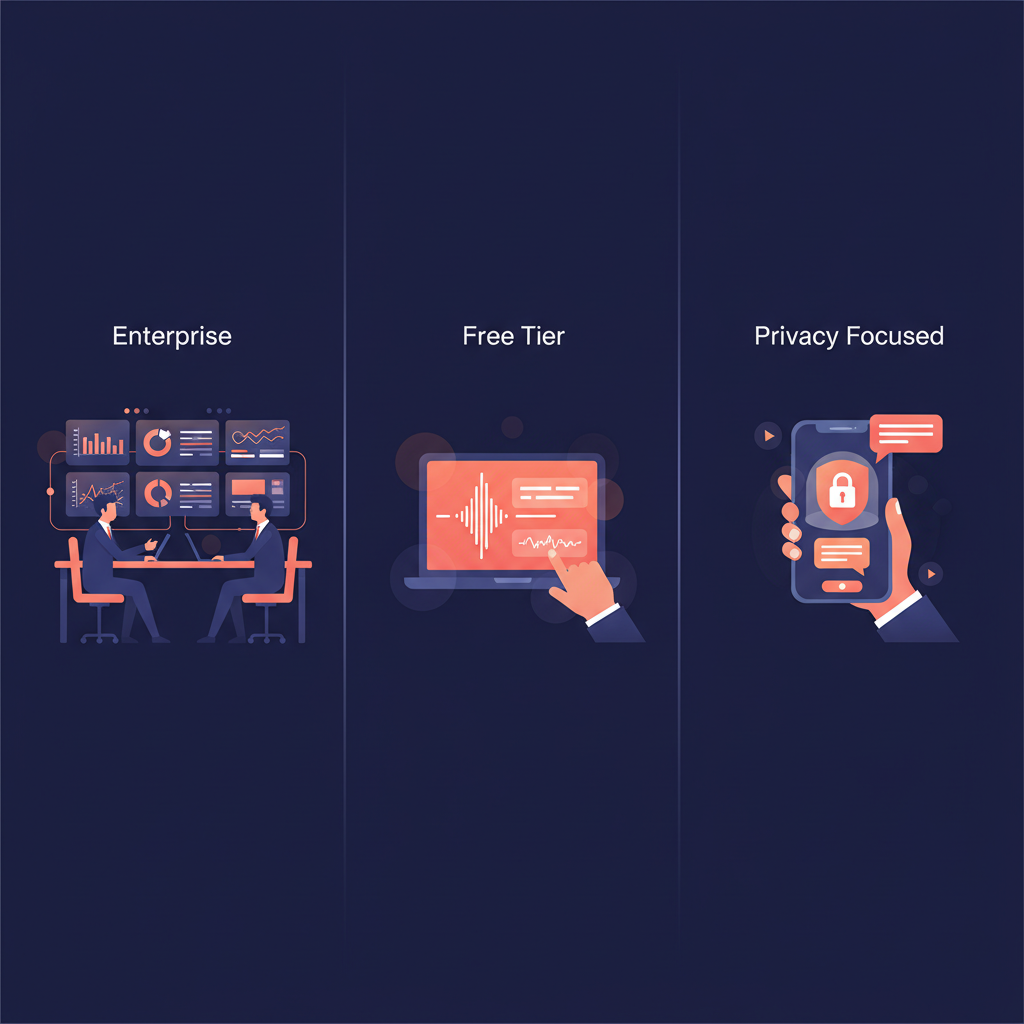
Tactiq is the fastest way to add AI notes to a browser-based meeting habit. Ten transcripts a month free, eight dollars for unlimited, no install beyond a Chrome extension. The catch is AI credits, which stay capped even on Pro.
Fellow is the enterprise pick. Botless desktop recording, SOC 2 Type II, HIPAA, transcript redaction, Salesforce sync. It is also the most expensive of the three and the free tier is essentially a trial.
AmyNote is the mobile-first option for the meetings that happen everywhere else: in-person, on the phone, in a coffee shop. Smaller surface area, but the only tool here built for conversations that never touch Zoom.

What We Compared
We focused on four dimensions: where the tool runs, what it costs at the entry tier, what privacy and compliance posture it commits to, and what kinds of meetings it actually handles well.
We did not score on raw transcription accuracy. All three are within the same band for clean English audio in 2026. The real differences show up in deployment model and pricing structure — the things that decide whether the tool fits the work, not whether the tool can hear it.
Tactiq: The Zero-Friction Browser Choice
Tactiq is a Chrome extension (also available for Edge) that captures captions from Google Meet, Zoom, MS Teams, and Webex. No bot joins the call. No desktop app to install. You click a meeting link, the extension wakes up, and a sidebar starts transcribing.
Strengths
- True zero-install for users who live in a browser. A new hire can be running with Tactiq in under two minutes flat — install the extension, sign in with Google, join the next meeting. No IT ticket, no MDM push, no calendar permission dance.
- Honest free tier. The Free plan gives you 10 full transcripts per month with no credit card. Pro is $8 a month for unlimited transcripts and unlimited AI summaries, with annual billing saving up to 33 percent.
- 60+ languages with mid-meeting switching. You can change the active language from the widget without leaving the call, which matters more than people admit on bilingual sales calls.
- Workflow integrations. Slack, HubSpot, and Linear push action items straight into the systems where work actually happens.
Weaknesses
- AI credits are the hidden cap. Pro still includes only 10 AI credits per month for the AI agent and automation features, which is where the deeper value sits. Unlimited credits only unlock at Team, Business, and Enterprise tiers.
- Browser-only coverage. No in-person meetings, no phone calls, no mobile capture. If your meeting moves off the laptop, the tool stops.
- Captions, not raw audio. Tactiq pulls from each platform's caption stream, so quality is bounded by whatever Zoom or Meet's caption engine produces on the call.
- Smaller compliance surface than Fellow. SAML SSO is gated to Business+, and there's no HIPAA story.
Fellow: The Enterprise Botless Standard
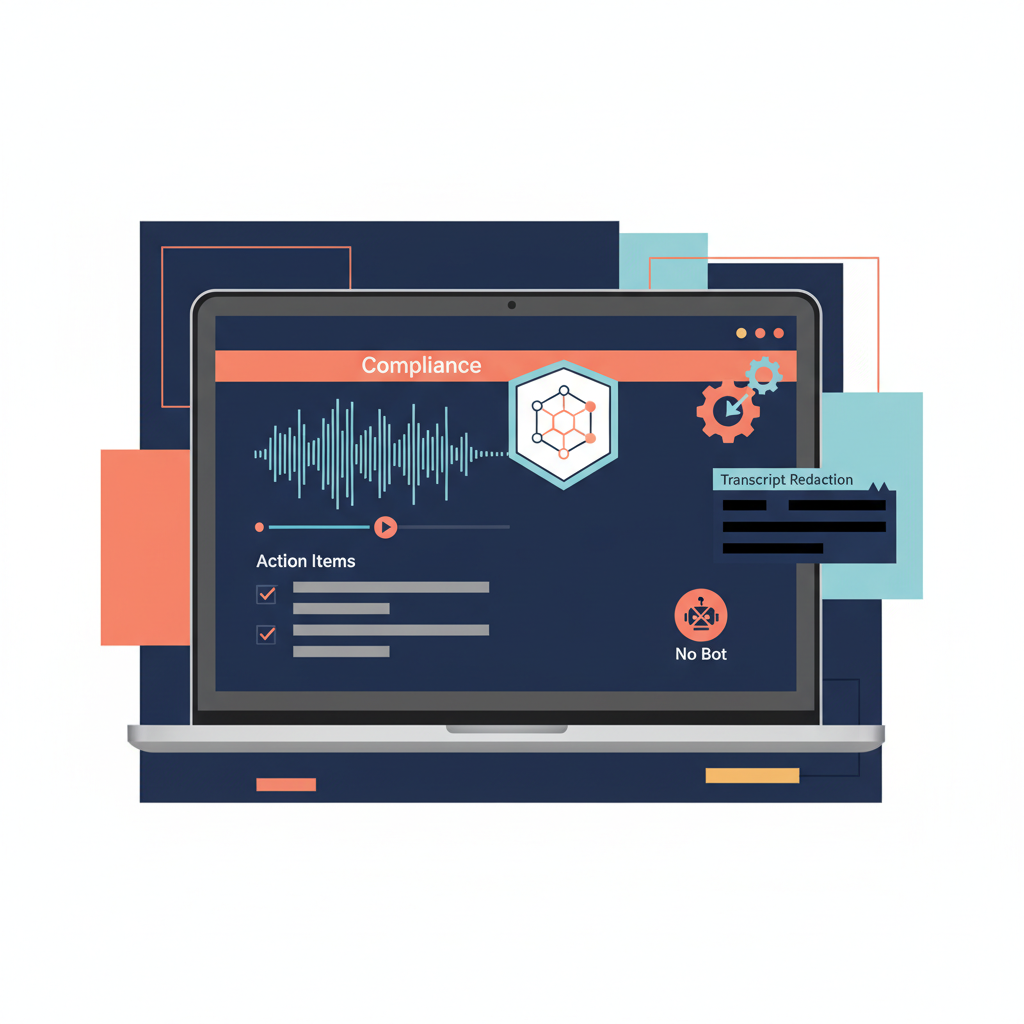
Fellow runs as a desktop app on macOS and Windows. Its Botless Recording feature captures audio at the system level, which means it picks up Zoom, Google Meet, MS Teams, Slack Huddles, phone calls, and in-person conversations without sending a bot into the participant list.
Strengths
- The strongest compliance stack of the three. SOC 2 Type II, HIPAA, GDPR, and a contractual commitment to never train on customer data. Zero-day retention is available, meaning raw audio and video are auto-deleted after AI processing.
- Enterprise plumbing. Transcript redaction, Salesforce and HubSpot AI sync, and domain-level user provisioning. For regulated teams, this is the most defensible setup in the category.
- True multi-source capture. Because Fellow records at the OS level, the same workflow covers Zoom, Meet, Teams, Slack Huddles, phone calls routed through your laptop, and in-person meetings via the laptop mic.
- Familiar meeting-management surface. Fellow grew out of agendas and action items, so the AI sits inside a workflow that managers already know.
Weaknesses
- Pricing climbs fast. Free is $0 for up to 10 users but only 5 AI recordings per user, lifetime. Team is $7 per user per month annual with a 3-user minimum and a 10-recording monthly cap. Unlimited AI recordings only start at Business ($15 per user per month annual). Enterprise sits at $25.
- No real free path for individuals. The Solo plan exists, but the lifetime cap on the team-side Free tier turns it into a trial more than a usage plan.
- External meeting guests are not notified when Botless Recording is on. This is a transparency tradeoff worth knowing — and worth disclosing manually if your compliance regime requires informed consent from all parties.
- Heavier footprint. A desktop app with system-level audio access is a bigger ask of IT than a Chrome extension, even when it is the right call.
AmyNote: The Mobile Bet
AmyNote is a phone-first app for the meetings that the other two tools cannot reach. In-person conversations, hallway syncs, client lunches, doctor visits, anything where you would otherwise rely on memory.

Strengths
- Privacy architecture built around contracts, not just servers. Transcription runs through OpenAI's Speech API. AI analysis runs on Anthropic's Claude Opus. Both providers contractually guarantee zero training on user data. Audio is encrypted in transit; processing copies may be retained to deliver and recover requested features, and all transcripts are stored locally on the device with encrypted transport.
- 120+ languages with real-time translation. Broader than either Tactiq or Fellow.
- Cross-session Speaker ID. Remembers voices across sessions instead of resetting per meeting — meaningful for anyone whose week is a rotation through the same clients, students, or patients.
- Simple pricing. 3-day free trial with no credit card, then a flat subscription with no minute caps and no AI credit ladder.
- Native in-person capture. The phone is already on the table; you do not need to open a laptop or invite a bot to a coffee meeting.
Weaknesses
- No desktop app. If your day is back-to-back Zoom calls on a laptop, this is not the right tool.
- No CRM integrations yet. Salesforce and HubSpot users will not see auto-sync today.
- No video recording. Audio only, which rules out tl;dv-style highlight reels.
- No team or enterprise workspace features yet. Built for individuals and small teams in 2026.
- Smaller brand recognition than either Tactiq or Fellow.
Side-by-Side Comparison
| Dimension | Tactiq | Fellow | AmyNote |
|---|---|---|---|
| Where it runs | Chrome / Edge extension | macOS + Windows desktop | iOS phone app |
| Entry price | Free: 10 transcripts / mo | Free: 5 recordings lifetime | 3-day full trial, no card |
| Unlimited tier | $8/mo Pro (AI credits capped) | $15/user/mo Business (annual) | Flat plan, no caps |
| Compliance | SAML SSO on Business+ | SOC 2 Type II + HIPAA | Upstream contracts + local storage |
| Meeting coverage | Browser meetings only | Desktop audio + in-person via laptop mic | In-person + phone calls native |
| Languages | 60+ | 100+ (cloud models) | 120+ with real-time translation |
| CRM integrations | Slack, HubSpot, Linear | Salesforce, HubSpot, Notion+ | None today |
| Best fit | Solo browser users on a budget | Regulated enterprise teams | Fieldwork, in-person, multilingual |
Which One Fits Your Workflow?
- Best for a Chrome-only meeting habit on a budget: Tactiq.
- Best for regulated teams that need HIPAA and SOC 2 on paper: Fellow.
- Best for in-person, phone, or multilingual conversations: AmyNote.
- Cheapest at real usage: Tactiq Pro if you do not need AI credits beyond 10/month; otherwise AmyNote's flat plan.
- Strongest privacy guarantee for individuals: AmyNote (local storage, zero training contracts).
- Most languages: AmyNote (120+) edges both Tactiq (60+) and Fellow (~100+).
- Most defensible enterprise audit story: Fellow.
- Lowest IT friction to deploy: Tactiq (Chrome extension only).
The Bottom Line
If your entire meeting life happens in a browser tab and you want the cheapest credible AI note-taker, Tactiq is the easiest starting point. The Free tier is honest and Pro is genuinely affordable for unlimited transcripts.
If you run a regulated team and you need a paper trail that survives an audit, Fellow is the right answer. The compliance posture is real and the botless desktop model means no awkward bots in client calls. Just be ready for the per-seat math at Business and Enterprise tiers.
If your meetings are mobile, in person, multilingual, or you simply do not want to outsource the audio to a third-party server, AmyNote is the option built for that world. Transcription by OpenAI, AI by Anthropic Claude Opus, contractual zero-training on both sides, and all transcripts living on your device under encrypted transport. Three days free, no credit card, and no AI credit ladder waiting to upsell you.
None of these tools is perfect. But the question is not which one is best in the abstract. It is which one is built for the way you actually meet — and which one will still be useful the next time your most important conversation of the week happens away from a laptop video grid.
Originally published as an X Article: Tactiq vs Fellow vs AmyNote on X.