Your last three meetings went unrecorded. Not because the tools failed, but because the bot made your client uncomfortable, the free tier ran out of AI summaries, or the app only worked on desktop and you were meeting in person at a coffee shop. Three popular AI meeting assistants, three different approaches — and the wrong choice means lost notes, wasted money, or awkward conversations about why a robot just joined the call.
Choosing the right meeting assistant matters more in 2026 than it did even a year ago. The market has matured rapidly: pricing models have shifted, free tiers have tightened, and the gap between tools that respect your privacy and tools that monetize your data has widened. A decision that once came down to “which one has the best free plan” now involves trade-offs across recording approach, data residency, mobile support, and multilingual capability. Get it right and every conversation becomes searchable institutional knowledge. Get it wrong and you are stuck re-evaluating tools mid-quarter while your notes sit trapped in a platform you are trying to leave.
Fellow, Fathom, and AmyNote each solve the meeting capture problem differently. This comparison breaks down where each one shines, where each one falls short, and which one fits the way you actually work.
Quick Verdict
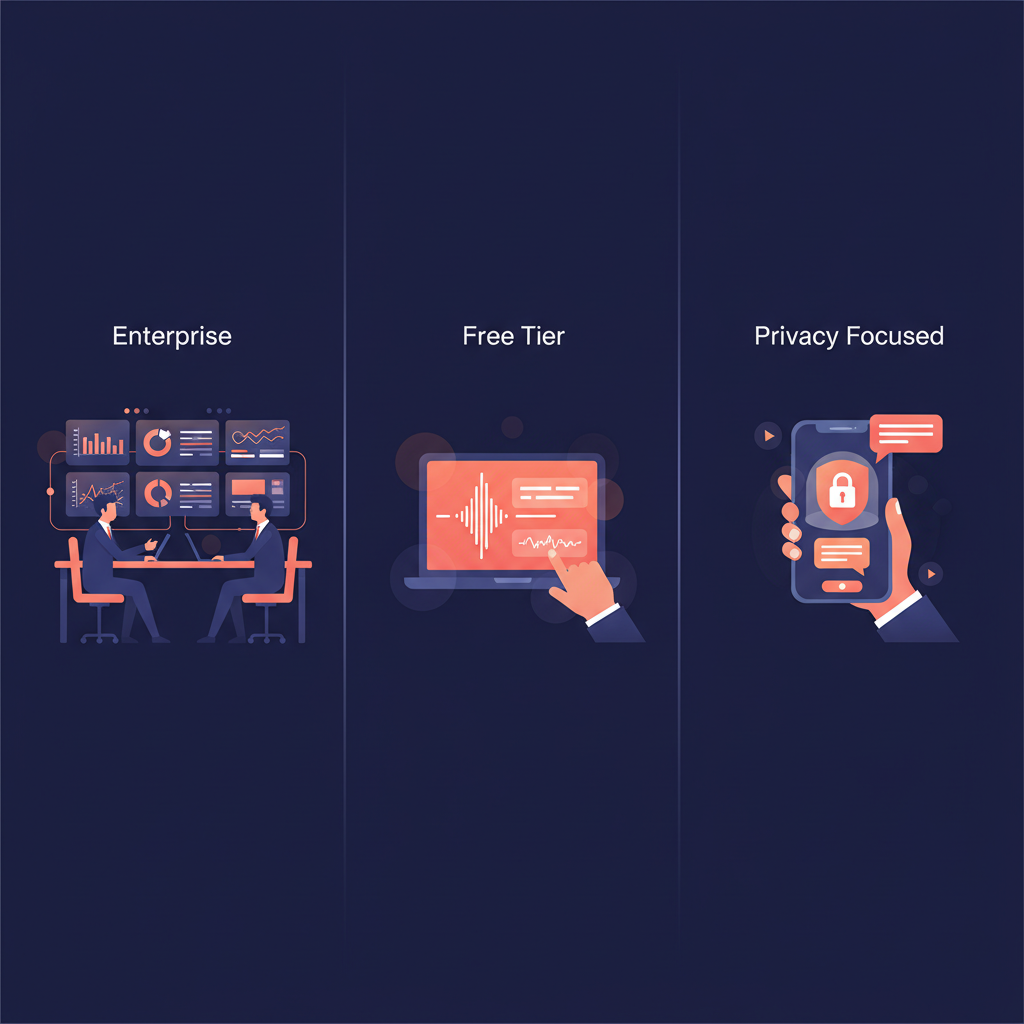
Fellow is built for teams that want meeting management baked into their project workflow. If you need action items synced to Jira and CRM fields auto-populated in Salesforce, Fellow is your tool.
Fathom offers the most generous free tier in the category — unlimited recordings and transcription at zero cost. If you work solo from a desktop and want no-commitment meeting capture, Fathom delivers.
AmyNote is the pick for professionals who meet in person, need multilingual support, and want their data stored locally on their device. If privacy and portability matter more than enterprise integrations, AmyNote wins.
What We Compared
We evaluated each tool across six dimensions that matter most to working professionals: recording approach (bot vs botless), privacy architecture, language support, mobile capability, free tier value, and integration depth. All pricing was verified in April 2026.
Fellow — The Enterprise Meeting Hub
Strengths
Fellow has evolved from a meeting agenda tool into a full-fledged AI meeting platform. Its standout feature is deep integration with project management tools — action items from meetings flow directly into Asana, Linear, Jira, and Monday.com as real tasks with assignees and due dates. No copy-pasting, no Zapier middleman.
Botless recording on desktop lets teams capture audio without a bot joining the call, though this feature requires the Fellow desktop app. For enterprise buyers, the compliance stack is strong: SOC2 Type II, GDPR, HIPAA, and SSO/SCIM support.
The Ask Fellow AI agent is where Fellow pulls ahead for larger teams. It searches across all your team’s meetings, surfacing context from conversations you were never part of. This means a product manager can ask “what did the engineering team decide about the migration timeline?” and get an answer pulled from a meeting they never attended. For organizations where institutional knowledge is spread across dozens of weekly meetings, this cross-meeting search capability closes a gap that most competitors do not even attempt to address.
Fellow supports 99+ languages and offers mobile apps on both iOS and Android.
Weaknesses
The free plan is severely limited at just 5 AI recordings. After that, you are looking at $7/user/month for the Team plan or $25/user/month for Enterprise features like Salesforce sync and transcript redaction. Botless recording is desktop-only — no mobile botless option. And while Fellow does many things, it is primarily designed for teams. Solo professionals will pay for collaboration features they never use.
Pricing: Free (5 recordings) | Team $7/user/mo | Enterprise $25/user/mo
Fathom — The Free Tier Champion
Strengths
Fathom’s free plan is genuinely remarkable: unlimited recordings and unlimited transcription with no monthly minute caps. For anyone who just wants every meeting captured and transcribed without thinking about usage limits, Fathom removes the anxiety entirely.
The platform integrates natively with Zoom, Google Meet, and Microsoft Teams. Its Perfect Recall search lets you find specific moments across your entire meeting archive. The interface is clean and focused — no feature bloat, no learning curve. With a G2 rating near 5.0 out of 5, user satisfaction is exceptionally high.
Weaknesses
The generous free tier comes with a catch: AI summaries are capped at 5 per month. After those five, you only get the basic chronological template. Unlocking full AI summaries requires the Premium plan at $19/month — a 27% price increase from last year’s $15. That jump matters. Users who budgeted for $15/month in 2025 are now being asked to pay $19 for the same functionality, and the increase has pushed some loyal users to re-evaluate whether Fathom’s AI summaries are worth the premium when the free recordings and transcripts already cover the basics.
Fathom has no mobile app. If you meet clients in person, conduct field interviews, or work away from your laptop, Fathom simply does not work. Language support is limited to roughly 28–38 languages depending on the feature. And CRM sync requires the Business plan at $25/user/month.
Pricing: Free (unlimited recordings, 5 AI summaries/mo) | Premium $19/mo | Team $15/user/mo | Business $25/user/mo
AmyNote — The Privacy-First Mobile Option
Strengths
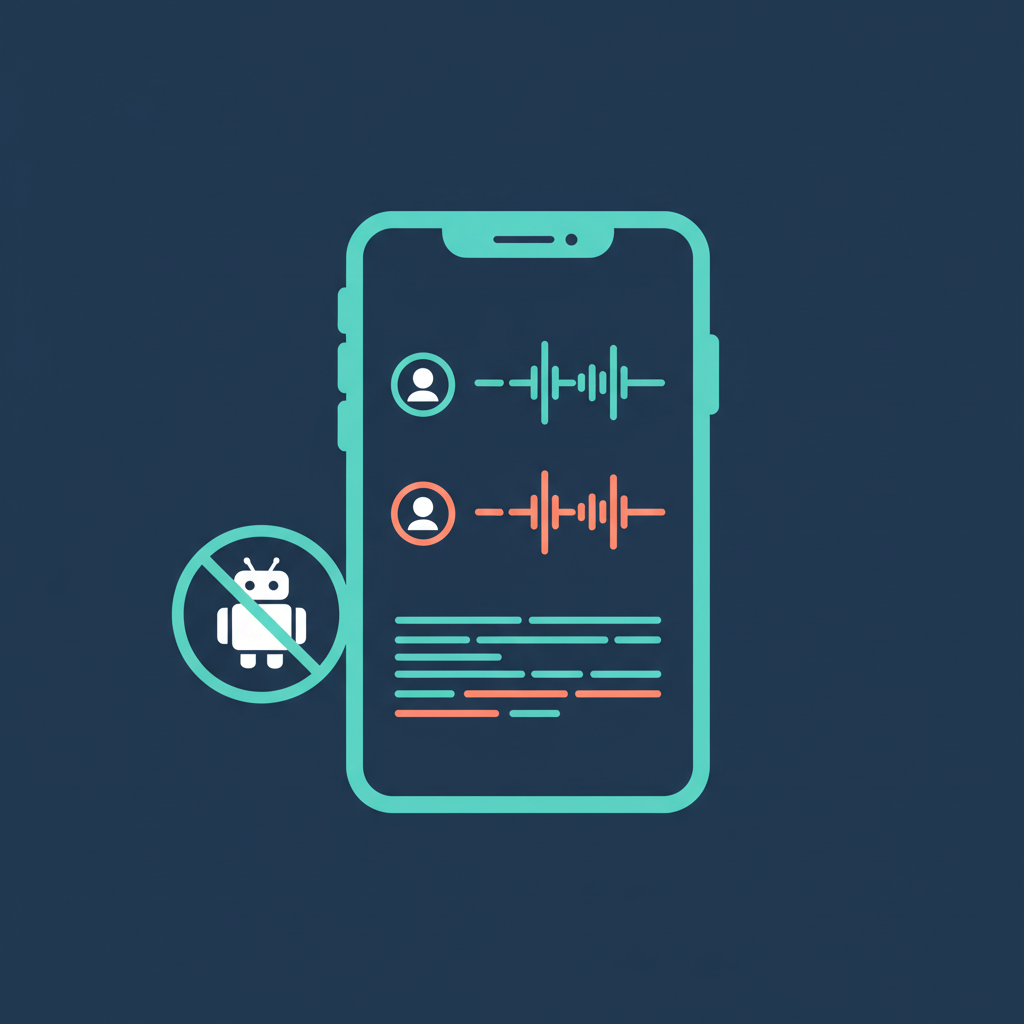
AmyNote takes a fundamentally different approach: it is a mobile-first app that captures any conversation — video calls, phone calls, and in-person meetings — without needing a bot, a desktop app, or even a calendar integration. Your phone is always with you, and that is the entire point.
The privacy architecture is where AmyNote separates itself. Transcription runs through OpenAI’s Speech API and AI analysis is powered by Anthropic’s Claude Opus. Both providers contractually guarantee that user data is never used for model training. Audio is encrypted in transit; processing copies may be retained to deliver and recover requested features. All transcripts and recordings are stored locally on the user’s device with encrypted transport.
Cross-session speaker identification remembers who is who across meetings — most competitors reset speaker labels every session. In practice, this means that when you meet with the same client three times over a month, AmyNote recognizes their voice automatically and labels their contributions correctly from the first word of the second meeting onward. There is no need to manually re-tag speakers or correct transcripts after the fact. For consultants and account managers who cycle through recurring contacts, this saves meaningful cleanup time and makes searching past conversations by speaker far more reliable.
With 120+ language support plus real-time translation, AmyNote handles multilingual meetings that would stump Fathom entirely.
Weaknesses
AmyNote is honest about its limitations. There is no desktop app — it is mobile-first, period. No CRM integrations, no project management sync, no team admin dashboard. There is no video recording capability. And as a newer product, it lacks the brand recognition and review volume of established competitors. Teams needing enterprise governance or Salesforce sync will need to look elsewhere.
Pricing: 3-day free trial (no credit card required), then subscription
Side-by-Side Comparison
| Feature | Fellow | Fathom | AmyNote |
|---|---|---|---|
| Recording approach | Bot + desktop botless | Bot only | Fully botless via mobile app |
| In-person meetings | Via desktop app | Not supported | Purpose-built for in-person capture |
| Free tier | 5 recordings | Unlimited recordings (5 AI summaries) | 3-day trial |
| Languages | 99+ | 28–38 | 120+ |
| Mobile app | iOS and Android | No mobile app | Mobile-first (iOS) |
| CRM integrations | Salesforce/HubSpot (Enterprise) | CRM sync (Business plan) | No CRM integration |
| Privacy | SOC2 Type II + HIPAA | SOC2 + GDPR | Local storage, encrypted transport, zero-training guarantees |
| Team features | Full team management | Team plans available | Individual-focused |
| AI engine | Proprietary AI | Proprietary AI | OpenAI (transcription) + Anthropic Claude Opus (analysis) |
What About Jamie, Otter, and Built-in AI?
Three questions come up every time we publish a meeting assistant comparison, so let us address them directly.
Jamie is a solid bot-free desktop alternative with 80+ language support and in-person meeting capture. We covered Jamie in depth in our Granola alternatives comparison. The short version: Jamie works well but costs significantly more per meeting than the three tools compared here, with the Default plan at €25/month for just 20 meetings.
Otter.ai remains popular but has shifted heavily toward enterprise and team pricing. Its free tier now limits transcription minutes, and the per-seat costs can add up quickly. We covered Otter in detail in our Otter vs Fireflies vs AmyNote comparison.
Microsoft Teams’ built-in AI (Copilot) and similar platform-native tools are convenient if your entire organization lives inside a single ecosystem. The trade-off is that they only work within that platform — you cannot use Teams Copilot to transcribe a Zoom call, a phone call, or an in-person meeting. If your workflow is 100% Teams, the built-in option may be sufficient. If you work across platforms or meet people outside your organization’s ecosystem, you need a standalone tool.
The Bottom Line
These three tools serve three different professionals.
Choose Fellow if you run a team, live in project management tools, and need every meeting’s action items to flow into your existing workflow. The enterprise compliance stack and cross-meeting AI agent justify the per-seat pricing for organizations.
Choose Fathom if you work solo from a desktop, want the lowest-commitment entry point, and primarily take video calls on Zoom, Meet, or Teams. The unlimited free recordings are unmatched — just know you will likely upgrade once you hit the AI summary cap.
Choose AmyNote if you regularly meet people in person, work across multiple languages, or handle sensitive conversations where local storage and zero-training guarantees are non-negotiable. The mobile-first approach trades enterprise features for portability and privacy. Try it free for three days at amynote.app.
No single tool wins every category. The right choice depends on where you meet, how you work, and what you do with the notes afterward.
Originally published as an X Article.