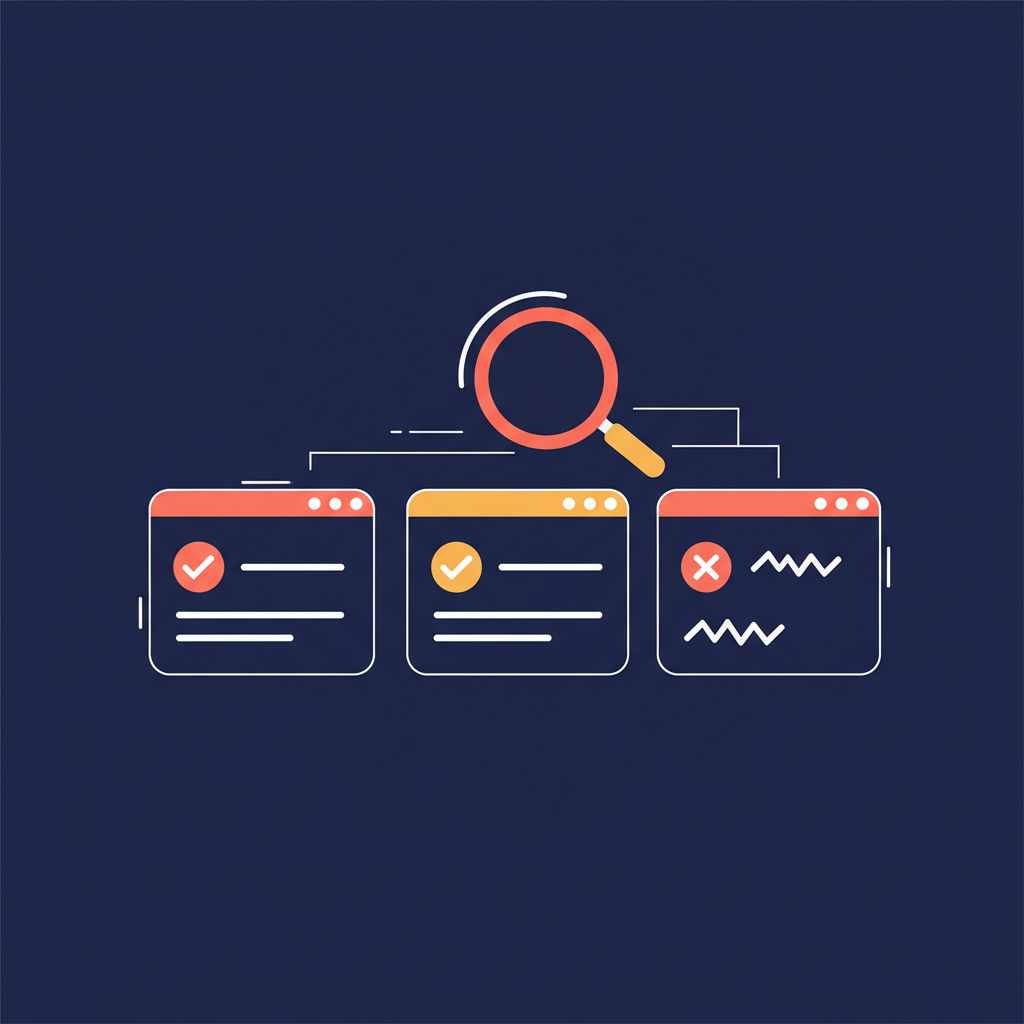
You had a conversation three weeks ago about a pricing change. You remember discussing it — someone raised concerns about margins, someone else mentioned a competitor's rate. But you can't remember if it was in the Tuesday standup or the Thursday client call. You open your meeting tool, type "pricing change" into the search bar, and get zero results. The actual phrase used was "adjusting our rate structure." Keyword search doesn't know those mean the same thing.
This is the gap between how we talk and how most search tools work. And for anyone building a library of meeting transcripts, it turns search from a time-saver into a frustration.
The Problem With Keyword Search
Traditional search works by exact matching. Type a word, find that word. This is fine for documents you wrote deliberately — you chose the words, so you can guess them later.
Meetings are different. Conversations are messy. People use synonyms, shorthand, and context-dependent language. The same concept gets expressed ten different ways across ten meetings:
- "We need to cut costs" vs. "budget optimization" vs. "tightening the belt"
- "The client is unhappy" vs. "they pushed back hard" vs. "there's friction on their side"
- "Let's revisit the timeline" vs. "we might need to slip the deadline" vs. "Q3 is tight"
Keyword search treats these as completely unrelated. If you search for "budget cuts," you miss the meeting where someone said "we need to reduce overhead by 15%." The information exists in your archive. You just can't find it.
The bigger your meeting archive grows, the worse this gets. More meetings means more vocabulary variation, more context buried in conversations you can only vaguely remember.
The Scale Problem: When Your Archive Outgrows Your Memory
Early on, keyword search seems fine. You have 10–20 transcripts, you remember roughly what was discussed in each, and you can usually guess the right keywords. But professional meeting archives grow fast. A team that records three meetings a day accumulates over 60 transcripts a month. Within a quarter, you have 200+ documents. Within a year, over 700.
At that scale, your memory becomes the bottleneck. You can't remember which exact words someone used in a meeting four months ago. You might not even remember which meeting it was. You just know the topic — and keyword search can't work with "the topic."
This creates an ironic situation: the more diligently you record meetings, the harder it becomes to find anything in them. The archive is comprehensive but functionally inaccessible.
Why Most Meeting Tools Don't Solve This
Most transcription tools bolt on search as an afterthought. The result:
- Exact match only. No understanding of meaning, synonyms, or related concepts. You need to guess the exact phrasing.
- No cross-meeting context. Each transcript is an island. You can't ask "what has this client said about pricing across all our calls?"
- No speaker filtering. You remember who said it but can't narrow search by speaker.
- Recency bias. Older meetings become invisible because you can't remember enough keywords to find them.
The workaround most people use is scrolling. Open transcript, skim, give up, open the next one. It works when you have 10 transcripts. It falls apart at 100.
What Semantic Search Actually Changes
Semantic search matches meaning, not words. Instead of looking for the exact string you typed, it understands what you're asking about and finds passages that discuss the same concept — even if the wording is completely different.
AmyNote uses Anthropic's Claude Opus to power semantic search across your entire meeting archive. When you search for "budget concerns," it finds:
- The standup where your CFO said "we're burning through runway faster than projected"
- The client call where they mentioned "cost sensitivity on the renewal"
- The board meeting where someone asked about "cash position through Q4"
None of these contain the word "budget." All of them are exactly what you were looking for.
Cross-Meeting Intelligence
Cross-meeting search is where this gets powerful. You can ask questions like "what has Sarah said about the product roadmap in the last month?" and get results pulled from every meeting where Sarah spoke about related topics — even if she used different terminology each time.
This isn't just convenient. It changes how you prepare for meetings. Instead of trying to remember what was discussed last quarter, you ask your archive. Instead of guessing what a client's concerns are, you pull every instance where they raised an issue. Your meeting history becomes an active resource, not a passive graveyard of audio files.
Speaker-Aware Search
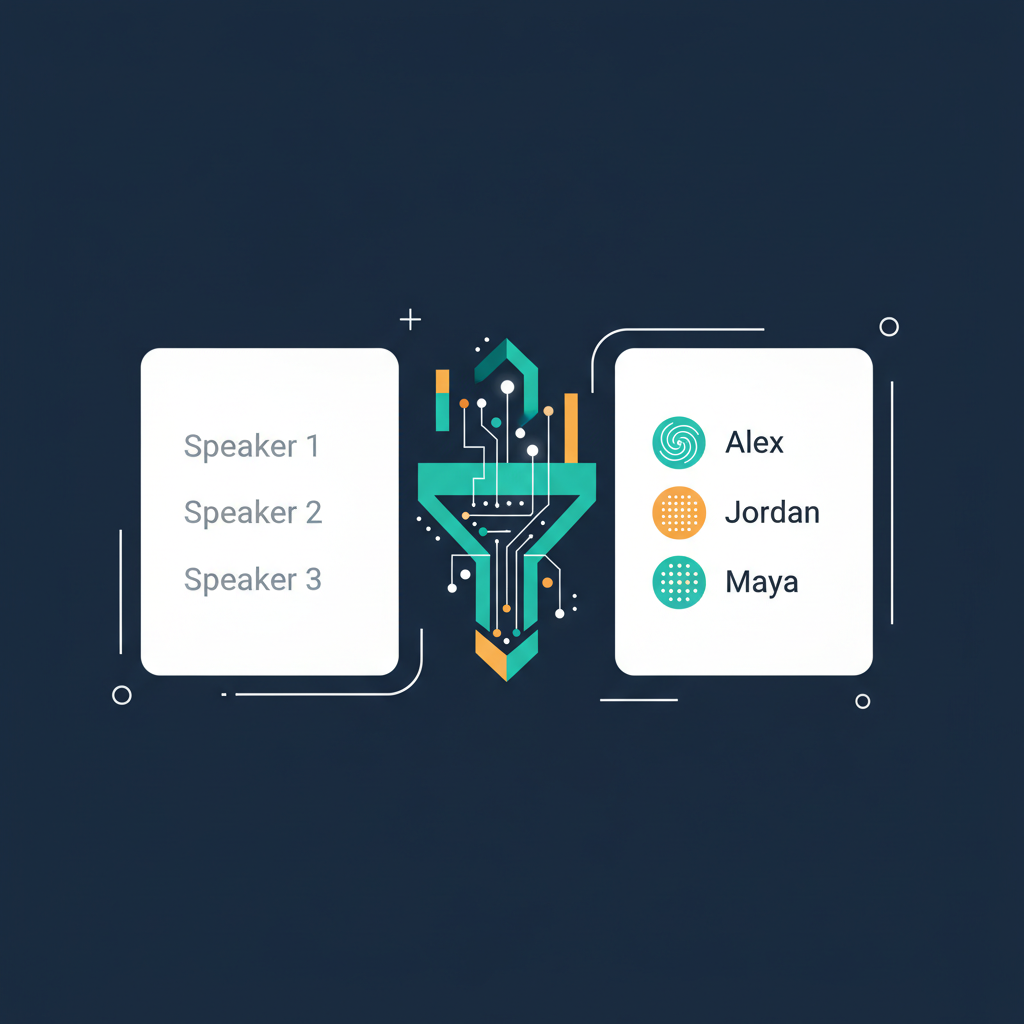
Semantic search becomes even more powerful when combined with speaker identification. AmyNote remembers speaker voices across sessions — name a participant once, and every future meeting with that person is automatically attributed.
This means you can search by both meaning and speaker: "What did the VP of Engineering say about the migration timeline?" The system finds relevant passages from that specific person across all your meetings, regardless of the exact words they used.
Keyword Search vs. Semantic Search: A Practical Comparison
| Scenario | Keyword Search | Semantic Search |
|---|---|---|
| Finding a pricing discussion | Must guess exact phrase used | Finds all related discussions by meaning |
| Tracking a client's concerns over time | Search each transcript individually | Single query across all meetings |
| Finding who raised an objection | Browse transcripts manually | Speaker + meaning combined query |
| Locating a decision from months ago | Relies on your memory of keywords | Describe the topic, find the decision |
| Preparing for a recurring meeting | Open and skim recent transcripts | Ask "what are the open items from last month?" |
The Foundation: Transcription Quality
The transcription layer matters here too. Semantic search is only as good as the underlying transcript — if "EBITDA" gets transcribed as "a bit of," the search breaks regardless of how smart the AI is.
AmyNote uses OpenAI's Speech API for transcription, which handles domain-specific vocabulary accurately. Financial terms, medical jargon, legal language, technical acronyms — they come through correctly in the transcript, which means semantic search has clean data to work with.
Both OpenAI and Anthropic contractually guarantee zero training on user data. Audio is encrypted in transit; processing copies may be retained to deliver and recover requested features. Transcripts stay on your device with encrypted transport. Your meeting archive — and everything you search within it — remains private.
Choosing a Tool With Real Search
When evaluating meeting tools, search is often an afterthought in the sales demo. But it's the feature you'll use every day once your archive grows. Here's what to look for:
- Semantic understanding — can you describe a topic and find results, or do you need exact keywords?
- Cross-meeting queries — can you search across your entire archive in one query?
- Speaker filtering — can you narrow results by who said it?
- Transcription accuracy — search is only as good as the underlying text. Test with your domain's vocabulary.
- Privacy architecture — your meeting archive is sensitive. Zero-training guarantees and local storage matter.
- Speed at scale — search with 10 transcripts is easy. Ask how it performs with 500.
Originally published as an X Article.