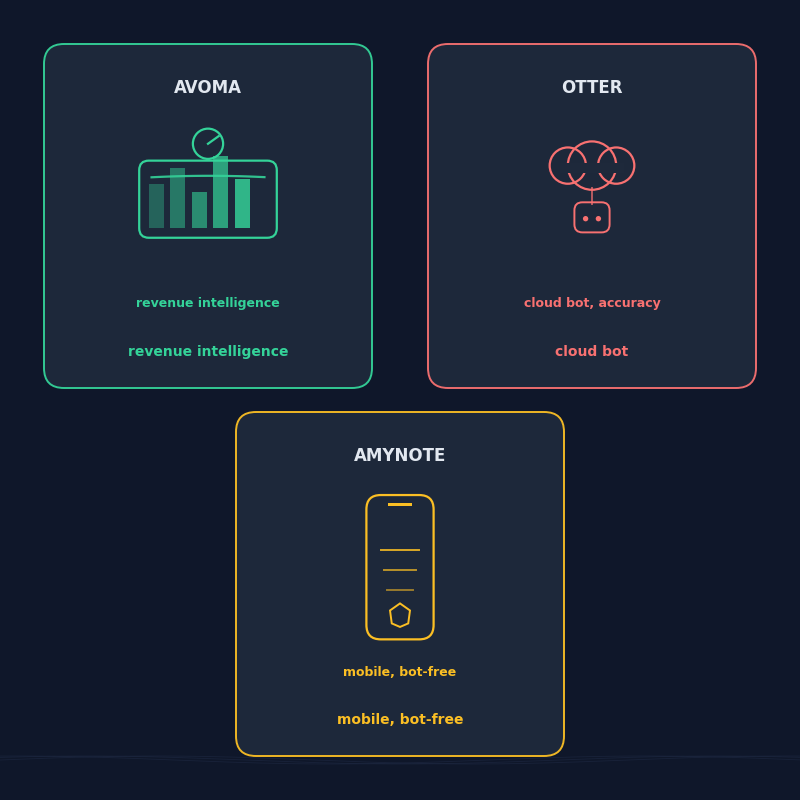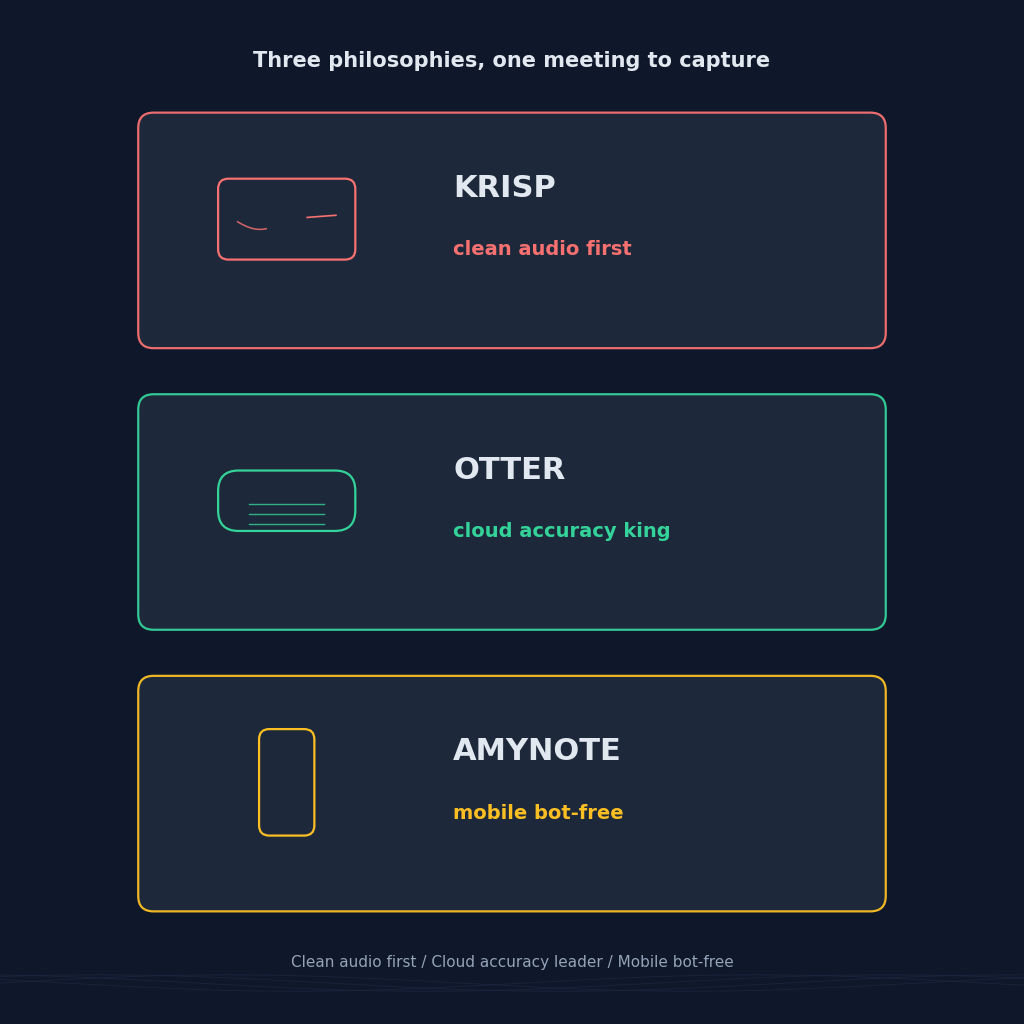
Three tools, three completely different theories about what a meeting note taker even is. Krisp starts from the audio itself. It installs a virtual microphone between the operating system and whatever app you are using, cleans background noise on both sides of the call, then transcribes and summarizes what is left. Otter starts from the transcript. Its cloud bot joins Zoom, Google Meet, and Microsoft Teams, chases the highest possible word-error rate on clean English, and pipes the result into a searchable collaborative workspace. AmyNote starts from your phone. No bot, no browser extension, no virtual microphone, just a mobile app for the meetings a laptop cannot easily join.
If you have been trying to decide which of the three actually fits how you meet, this is the honest breakdown.
Quick Verdict
Pick Krisp if you take a lot of calls from a noisy environment, share a room with a barking dog or a construction crew, and want a virtual microphone that cleans your outgoing audio before any transcription tool sees it. The AI notes are a real bonus, not just an add-on.
Pick Otter if most of your meetings run on Zoom, Google Meet, or Microsoft Teams in English, you want the highest accuracy the category can offer on clean cloud audio, and you are happy with a bot named "OtterPilot" showing up in the participants list.
Pick AmyNote if you want a single mobile app that captures in-person meetings, phone calls, and dictation without a bot on any call and without buying hardware. Trade-offs are real: no desktop, no CRM, no video, no team features yet.
What We Compared
We looked at four axes that actually decide who wins: where each tool captures audio (system-level virtual mic, cloud bot, or phone), what entry pricing costs and what the free-plan limits are, how many languages transcription and noise cancellation actually cover, and what the privacy story looks like once the AI has already seen your meeting.
We ignored the features all three do reasonably well: real-time transcription, speaker labels, action-item extraction, and searchable transcripts.
Krisp: Clean the Audio First, Everything Else Follows
Strengths
Krisp is the only tool here that starts from audio quality itself. It installs a virtual microphone between the operating system and whatever app you are using, so it cleans noise bidirectionally, both your outgoing voice and the voices coming back. Once the audio is clean, the transcription and AI notes get better for free. The Pro plan is 8 USD per month for unlimited noise cancellation, unlimited AI summaries and action items, meeting history, and HIPAA plus GDPR compliance. Krisp works with 800-plus conferencing and telephony apps because it operates at the audio-device layer, not through a bot. The Business plan at 15 USD per seat per month adds CRM sync to Salesforce, HubSpot, and Pipedrive, plus SSO and admin controls.
The clean-audio-first design matters in a way that is easy to underestimate on paper. Every transcription model in this category is trained on relatively clean speech. Feed it a call where a leaf blower is running outside the window and the word error rate climbs sharply. Krisp reduces that noise before any of the transcribers see the audio, which improves the summary quality of whatever downstream tool you eventually pipe the recording into.
Weaknesses
The free tier is thin: capped daily minutes for noise cancellation and only two AI summaries per day. English-only transcription on the free plan. The transcript language count sits at 17 total on Pro, behind AmyNote. Video recording is available on paid plans but is not the product's strength. If most of your meetings already happen in clean rooms on stable networks, you are paying for a noise-cancellation layer you may never really need.
Otter: The Cloud Accuracy Leader for English Meetings
Strengths
Otter is still the accuracy leader on clean English audio, consistently at the top of the transcription-first category on G2. The Basic free plan gives 300 transcription minutes per month and 30 minutes per conversation. The Pro plan is 8.33 USD per month billed annually, unlocking 1,200 minutes per month (about 20 hours), advanced search, custom vocabulary, and bulk export. OtterPilot auto-joins scheduled meetings on Zoom, Google Meet, and Microsoft Teams, and the collaborative note surface where the whole team highlights and comments in real time is genuinely useful. The Business plan at 19.99 USD per user per month billed annually removes the recording cap, extends the per-meeting limit to four hours, allows joining three concurrent meetings, and adds admin controls.
If your workflow is already anchored to Zoom or Meet and your working language is English, Otter is the safest technical bet in this trio. The workspace layer, where teammates highlight quotes and drop comments inside a live transcript, is a real productivity gain for sales, customer success, and product research teams that already meet on the same calendar cadence.
Weaknesses
Language coverage is the tightest of the three: six languages total (English, Spanish, French, German, Japanese, and Chinese Simplified). If your calls are in Portuguese, Korean, Hindi, or Arabic, Otter cannot cover them. Transcripts live on Otter's servers indefinitely unless you delete them, and the bot's visible presence in the participants list can chill sensitive conversations. Month-to-month pricing jumps from the annual sticker: Pro is 16.99 USD, Business is 30 USD per user.
AmyNote: Mobile-First, Bot-Free, Privacy by Design
Strengths
AmyNote records everything on your phone. There is no bot to invite, no virtual microphone to install, no desktop app, no hardware to buy. Language support is 120-plus with real-time translation baked in, comfortably ahead of both Krisp and Otter. Transcription runs through OpenAI's latest Speech API, and AI analysis is powered by Anthropic's Claude Opus. Both OpenAI and Anthropic contractually guarantee zero training on user data. Audio is encrypted in transit; processing copies may be retained to deliver and recover requested features. Transcripts stored locally on device with encrypted transport. Speaker identification carries across sessions, so a name you tag once is remembered next time.
The mobile-first design also solves a category the other two miss entirely: the meeting your laptop cannot easily join. In-person client conversations at a coffee shop, phone calls with a supplier, a hallway conversation with a co-founder, or a car ride between a client site and the office. None of these fit a cloud bot workflow. All of them fit a phone in your pocket.
Weaknesses
Be honest. No desktop app. No CRM integrations for Salesforce, HubSpot, or Pipedrive. No video recording of any kind. No team dashboards. No shared workspaces. Smaller brand than either Krisp or Otter. Mobile-first means AmyNote excels at conversations a laptop cannot easily join, and steps aside where a bot-based tool or a system-level virtual mic earns its place.
Side-by-Side Comparison
- Capture surface. Krisp installs at the audio-device layer, so it works with 800-plus platforms including phone calls routed through the desktop. Otter uses a bot on Zoom, Meet, and Teams plus a mobile app. AmyNote is a phone microphone for everything, no bot on any call.
- Language coverage. Krisp transcribes 17 languages on Pro. Otter transcribes 6. AmyNote cites 120-plus with real-time translation.
- Entry pricing. Krisp Pro 8 USD per month. Otter Pro 8.33 USD per month billed annually or 16.99 USD monthly. AmyNote 3-day free trial, no credit card.
- Free-plan limits. Krisp free caps daily noise-cancellation minutes and gives two AI summaries per day. Otter free gives 300 minutes per month and 30 minutes per conversation. AmyNote uses a time-boxed trial rather than minute caps.
- Noise cancellation. Krisp is the only one with bidirectional noise cancellation built into the audio pipeline. Otter and AmyNote both rely on the raw audio the transcription API receives.
- CRM sync. Krisp Business ties into Salesforce, HubSpot, and Pipedrive. Otter Business supports CRM sync on the enterprise tier. AmyNote does not.
- Privacy posture. Krisp holds SOC 2, HIPAA, and GDPR compliance and processes AI in the cloud. Otter stores transcripts on its servers. AmyNote stores transcripts locally on device with zero-training guarantees from both AI providers.
The Bottom Line
The choice is really about what part of the meeting pipeline hurts most. If the audio itself is the bottleneck, if your callers keep asking you to repeat yourself and your transcripts read like the mic was underwater, Krisp is the pick, and 8 USD per month for Pro is fair value. If you live on Zoom or Meet in English and want the sharpest transcript the category can produce inside a collaborative workspace, Otter still holds that ground.
If half your meetings happen in a room, on a phone call, or in a corridor, a virtual microphone helps and a cloud bot cannot even join. That is where AmyNote is designed to slot in: 120-plus languages, no bot, no browser extension, and privacy handled as a design constraint rather than a paid tier. Free 3-day trial, no credit card. See amynote.app.
Originally published as an X Article by @AmyNoteApp.