Krisp vs Notta vs AmyNote: Which AI Note-Taker Fits Your Audio Quality Priorities in 2026?
You are on a Zoom call. The neighbor's dog will not stop barking. Construction outside just fired up a jackhammer. Everyone is talking over each other, and you are supposed to be taking notes. Audio quality is not a nice-to-have in 2026, it is the foundation of whether your AI note-taker can do its job. Three tools approach this problem from completely different angles.
May 10, 2026
Quick Verdict
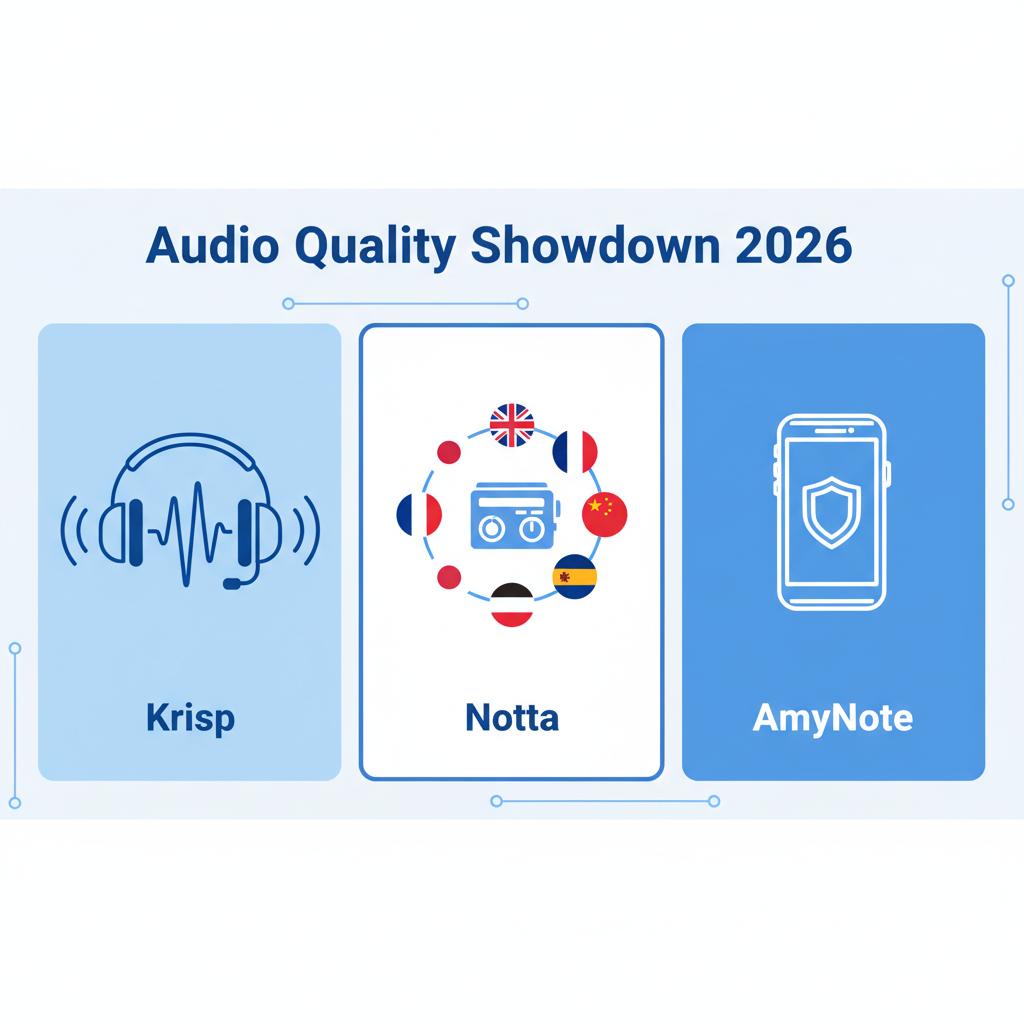
Krisp is the right choice if you need enterprise-grade noise cancellation first and transcription second. It is built for call centers and remote teams where background noise is the primary blocker.
Notta makes sense if you are juggling multiple languages and want the option of dedicated hardware for in-person meetings. The bot-free desktop app (still in beta) is a step in the right direction.
AmyNote is the best fit if you prioritize privacy, work primarily on mobile, and need cross-session speaker memory without a bot joining your meetings.
What We Compared
All three tools offer AI transcription and note-taking, but they are solving different problems.
Krisp started as an audio middleware company. Noise cancellation is the core product. Transcription and AI notes are add-ons built on top of clean audio. The pitch: clean audio is the foundation for everything else.
Notta is a cloud SaaS platform with a hardware option (Notta Memo). It is optimized for multilingual teams and offers both bot-based meeting recording and a bot-free desktop app (currently in beta).
AmyNote is a mobile-first app with no bot, no hardware, and no desktop requirement. It is designed for in-person conversations, phone calls, and meetings where you do not want a bot announcing itself.
Krisp: Noise Cancellation First, Transcription Second
Strengths
Unlimited noise cancellation. This is Krisp's DNA. Every plan includes unlimited noise cancellation, not just for you, but for everyone on the call. It removes background voices, barking dogs, construction noise, keyboard clicks, and even crying babies in real time.
Bot-free by default. Krisp runs as audio middleware on your device. No bot joins the meeting. No "Krisp is recording" announcement. It just works in the background.
Accent conversion. This is underrated. Krisp can convert accents in real time for both the speaker and the listener. The Core plan includes 1 hour per day of speaker-side accent conversion. Advanced bumps that to 4 hours per day. Supports Indian, Filipino, South African, and Latin American accents.
Unlimited transcription. Every plan includes unlimited transcription, unlimited AI notes, and unlimited audio/video recording. No minute caps.
Enterprise-grade integrations. Krisp integrates with Salesforce, HubSpot, Slack, Zapier, Microsoft Teams, and offers webhook APIs. The Advanced plan adds Salesforce and ConnectWise. Enterprise adds SSO/SCIM, HIPAA compliance, and on-device transcription for maximum privacy.
Weaknesses
Transcription is secondary. Krisp's transcription accuracy is good, but it is not the focus. If you need domain-specific terminology (legal, medical, financial), you will hit limits faster than with OpenAI-powered tools.
Storage caps. Core plan: 5GB. Advanced: 30GB. Only Enterprise gets unlimited storage. If you are recording a lot of video, you will hit the cap quickly.
Pricing adds up. Core is $8/month (annual), Advanced is $16/month. That is competitive, but the features you actually need (Salesforce integration, advanced admin controls) are locked behind the Advanced tier.
Mobile app is limited. Krisp's mobile app is primarily for in-person meetings and outbound phone call recording. It is not a full-featured mobile note-taker.
Notta: Multilingual Cloud Platform with Hardware Option
Strengths
58 languages. Notta supports 58 languages with bilingual transcription and translation add-ons. If you are working across languages, this is a major advantage over English-first competitors.
Unlimited transcription on Business plan. Free plan: 120 minutes/month. Pro: 1,800 minutes/month. Business: unlimited. That is a clear upgrade path with predictable pricing for heavier users.
Bot-free desktop app (beta). Notta recently launched a bot-free desktop app for Mac and Windows. It is still in beta, but it is a step toward privacy-conscious recording without sending a visible participant into the call.
Hardware option. Notta Memo is a dedicated voice recorder that syncs with the Notta app. If you are doing a lot of in-person interviews or meetings, the hardware option is convenient for moments when pulling out a phone feels intrusive.
AI Brain add-on. Notta Brain turns your transcripts into infographics and slides. It is an extra $93.59/year, but it is a unique feature for visual learners and presenters who want to repackage meeting output.
Weaknesses
Bot-based by default. Unless you are using the beta desktop app, Notta joins your meetings as a bot. That means everyone sees "Notta is recording" in the participant list, which can create awkward consent moments in sensitive conversations.
Cloud-only storage. All transcripts are stored in Notta's cloud. There is no local storage option. If you are in a regulated industry (legal, medical, finance), this is often a dealbreaker.
Add-ons add up. Bilingual transcription: $9/month. Monolingual translation: $6/month. Notta Brain: $93.59/year. The base price looks competitive, but the features you need are often add-ons that compound the monthly cost.
Hardware is separate. Notta Memo is sold separately. You are paying for the hardware upfront, then paying for the subscription to process the audio. That is two separate costs to budget for.
Beta desktop app. The bot-free desktop app is still in beta. It is not production-ready for teams that need reliability today.
AmyNote: Mobile-First Privacy Without the Bot
Strengths
No bot, no hardware, no desktop requirement. AmyNote runs entirely on your iPhone. No bot joins your meetings. No hardware to carry. No desktop app to install. Just open the app and start recording, whether you are at a desk, in a coffee shop, or in a client's office.
Cross-session speaker identification. AmyNote remembers speakers across meetings. If John spoke in last week's meeting, AmyNote will recognize his voice in this week's meeting. Most competitors reset speaker ID per session, leaving you with "Speaker 1" and "Speaker 2" labels that need manual cleanup.
120+ languages with real-time translation. AmyNote supports 120+ languages, more than Krisp or Notta. Real-time translation is built in, not an add-on with separate pricing.
Privacy architecture. Transcription runs through OpenAI's Speech API. AI analysis is powered by Anthropic's Claude Opus. Both providers contractually guarantee that user data is never used for model training. Audio is encrypted in transit; processing copies may be retained to deliver and recover requested features. All transcripts and recordings are stored locally on your device with encrypted transport.
Cloud processing copies are handled under the controls described in AmyNote’s Privacy Policy. No conversations feeding into model training pipelines. Provider retention follows the applicable API or enterprise terms.
AI analysis by Claude Opus. AmyNote does not just transcribe, it analyzes. Claude Opus extracts action items, summarizes key points, and answers questions about your transcripts. This is deeper semantic analysis than most competitors offer.
3-day free trial, no credit card. You can test the full product without entering payment info. Most competitors require a credit card upfront and rely on forgetfulness for conversion.
Weaknesses
No desktop app. AmyNote is mobile-only. If you need to record on your Mac or PC, you will need a different tool or pair AmyNote with a desktop solution.
No CRM integrations. AmyNote does not integrate with Salesforce, HubSpot, or other CRMs. If you need automatic deal logging, you will need to export manually.
No video recording. AmyNote records audio only. If you need video clips for training or review, tools like tl;dv or Fathom are better fits.
Smaller brand. AmyNote is a newer player. If you need enterprise support contracts or a proven track record with Fortune 500 companies, Krisp or Notta are safer bets.
Side-by-Side Comparison
| Dimension | Krisp | Notta | AmyNote |
|---|---|---|---|
| Noise cancellation | Unlimited, enterprise-grade | Not a core feature | Not a core feature |
| Bot-free recording | Yes (audio middleware) | Beta desktop app only | Yes (mobile app) |
| Languages | Multilingual (count not specified) | 58 | 120+ |
| Speaker ID | Per-session | Per-session | Cross-session memory |
| Storage | 5GB / 30GB / unlimited (tiered) | Cloud-only | Local device with encrypted transport |
| Pricing | Free 7-day trial, Core $8, Advanced $16 | Free 120min, Pro $8.17, Business $16.67 | 3-day free trial, no card |
| Privacy | SOC2, HIPAA (Enterprise), on-device option | Cloud-stored transcripts | Zero-training guarantee, local storage, encrypted transport |
| Mobile app | Limited (in-person, outbound) | Full-featured | Mobile-first design |
| Hardware option | No | Yes (Notta Memo, separate cost) | No |
Choosing the Right Tool
The decision comes down to which problem you are solving first.
- Is background noise killing your calls? Krisp's unlimited noise cancellation is unmatched. The transcription and AI notes are solid, but the real win is that everyone on the call can actually hear what is being said.
- Are you working across multiple languages? Notta's 58-language coverage and bilingual transcription add-ons are hard to beat for multilingual teams. AmyNote covers more languages on paper (120+), but Notta's add-on ecosystem is more mature for translation workflows.
- Do you need to record in-person and stay private? AmyNote runs on the phone you already have. No bot. No hardware. local-first storage with encrypted transport and contractual zero-training guarantees from OpenAI and Anthropic. For regulated industries, the privacy posture is the cleanest of the three.
The Bottom Line
Choose Krisp if noise cancellation is your primary problem. If you are in a call center, working from a noisy home, or managing a remote team where background noise is killing productivity, Krisp's unlimited noise cancellation is worth the price. The transcription and AI notes are solid, but they are not the main event.
Choose Notta if you are working across multiple languages and want the flexibility of both cloud and hardware recording. The 58-language support and bilingual transcription add-ons are strong. Just know that you are paying for cloud storage and the bot-free desktop app is still in beta.
Choose AmyNote if you prioritize privacy, work primarily on mobile, and need cross-session speaker memory without a bot. The OpenAI plus Anthropic zero-training architecture and local-first storage with encrypted transport make it the strongest privacy option. The 120+ language support and Claude Opus analysis are bonuses on top of that foundation. Try it free for 3 days at amynote.app, no credit card required.
For professionals in regulated industries (legal, medical, finance), AmyNote's privacy architecture is the safest bet. For multilingual teams, Notta's language support is hard to beat. For noisy environments, Krisp's noise cancellation is unmatched. The right tool depends on which problem you are solving first: noise, languages, or privacy. Pick the one that matches your biggest pain point.
Follow @AmyNoteApp on X for more meeting-tool deep dives.