Otter vs Granola vs AmyNote: Bot, Bot-Free, or Mobile-First in 2026?
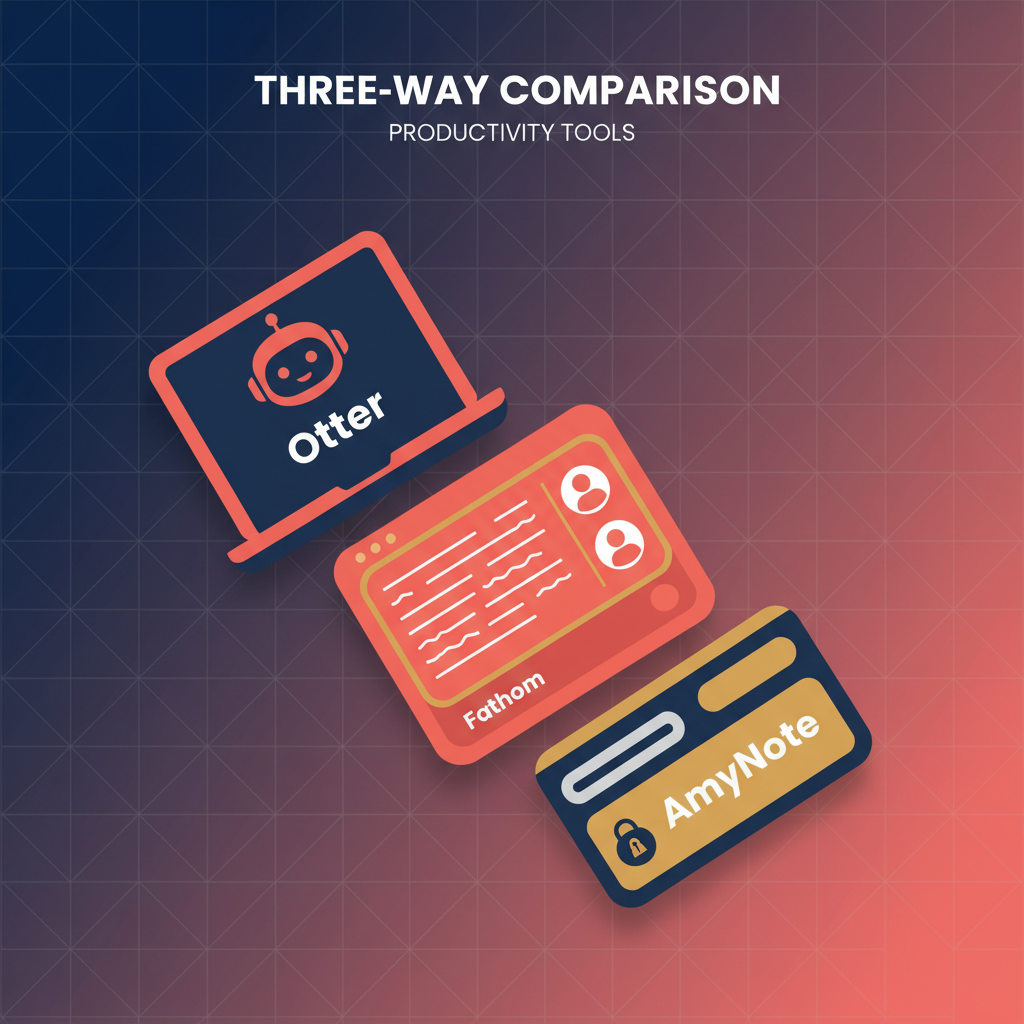
Three AI meeting tools. Three completely different bets on how recording should work. Otter sends a visible bot into your call. Granola captures system audio quietly from your Mac or PC. AmyNote runs on your phone and records anything within earshot, including in-person conversations. Picking between them is less about features and more about which trade-off you can live with.
May 8, 2026
Quick Verdict
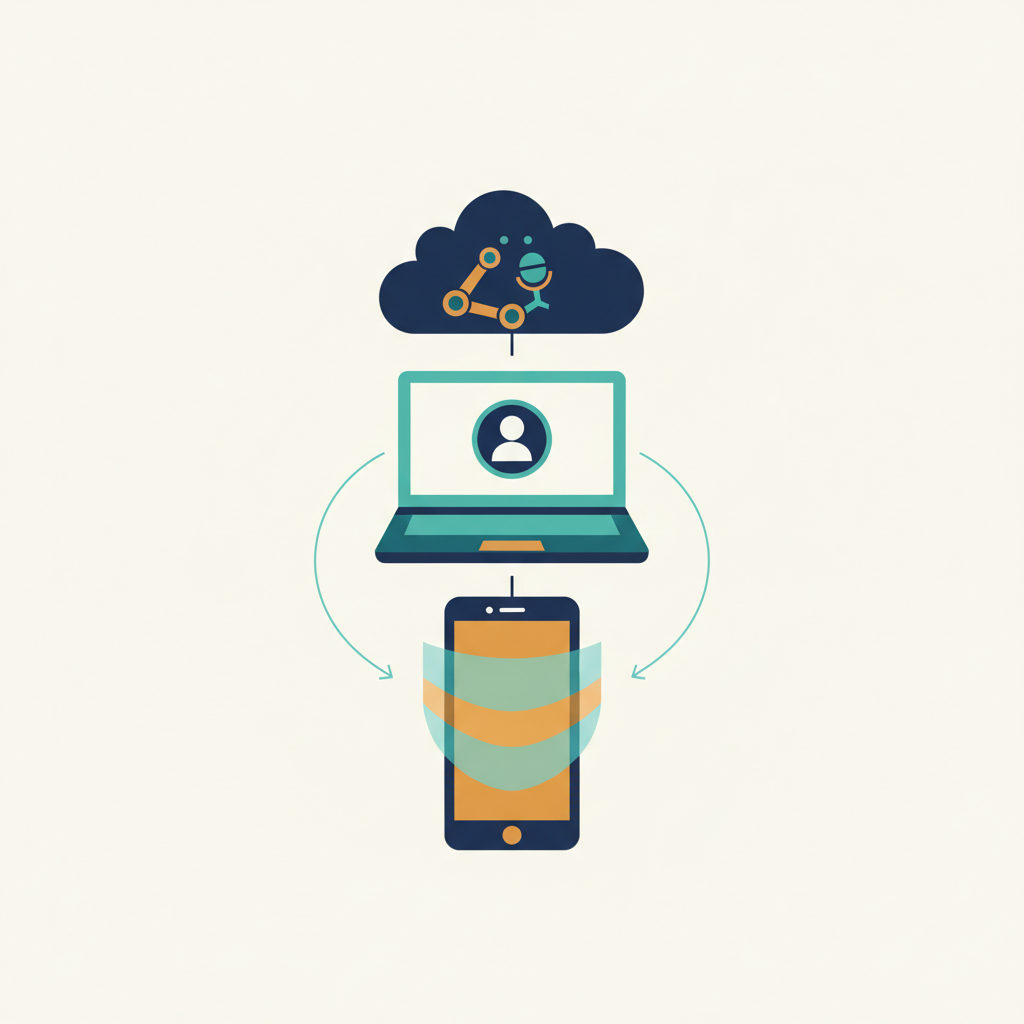
Otter is the best fit if you want broad platform coverage, real-time captions visible to everyone in the room, and a mature collaboration layer. Granola wins on discretion and personalized notes if you live on a desktop and want AI to enhance the notes you already type. AmyNote is the right pick when meetings escape the laptop entirely: in-person conversations, hallway syncs, and on-the-go calls where neither a bot nor a desktop app makes sense.
None of them does everything. The choice depends on where your meetings actually happen.
What We Compared
Pricing verified as of May 2026. Accuracy figures based on independent reviewer tests in clean audio. Privacy claims verified against each vendor's published documentation. We focused on six dimensions: recording approach, accuracy, language coverage, privacy posture, pricing transparency, and where each tool actually fits in a workflow.
Otter: Strengths and Weaknesses
The bot-based original. Otter joins your Zoom, Meet, or Teams call as a visible participant called OtterPilot, transcribes in real time, and shares live captions all attendees can see. It is the most established name in the category.
Strengths
Reviewers consistently report 90 to 94 percent accuracy in clean audio with standard American English. The collaborative live transcript, in-meeting AI Chat, and post-meeting summaries are mature and well-tested. Slide capture is a genuine differentiator—Otter can extract and attach presentation slides to the transcript automatically. Cross-platform reach is broad: web, iOS, Android, Chrome extension.
The bot itself becomes a feature when everyone in the meeting knows recording is happening. Real-time captions benefit accessibility, and the shared transcript creates a single source of truth that all participants can reference during and after the call.
Weaknesses
The bot is visible to every participant, which creates awkward consent moments in sensitive conversations and makes it impossible for in-person meetings. Accuracy drops noticeably with cross-talk, accents, or noisy rooms, with several reviewers reporting closer to 85 percent in real-world group calls. Speaker identification lands around 85 percent accuracy in independent tests.
Free tier is tight: 300 minutes per month with a 30-minute per-conversation cap. Pro is $16.99 per month monthly or roughly $8.33 per month annual, capped at 1,200 minutes and 90 minutes per conversation. Business at $19.99 to $30 per user per month unlocks unlimited meeting minutes but caps imported file minutes at 6,000.
Privacy
SOC 2 certified, but transcripts live in the cloud and historically Otter has used customer data to improve models unless you opt out. Enterprise customers can negotiate stricter terms, but the default posture is cloud-first.
Granola: Strengths and Weaknesses
The bot-free desktop alternative. Granola sits on your Mac or Windows machine, captures system audio at the OS level, and never joins the call as a participant. You take notes during the meeting; AI uses the full transcript to enhance them after.
Strengths
Independent tests put accuracy at roughly 90 to 92 percent, slightly above Otter in head-to-head reviews. The hybrid notes model produces more personalized output than purely AI-generated summaries—you control the structure, AI fills in the detail. No bot means no awkward consent moments.
Integrations on paid tiers include Notion, Slack, HubSpot, Affinity, and Zapier, plus Model Context Protocol support so tools like Claude or Cursor can pull in meeting context programmatically. This makes Granola a strong fit for power users who want meeting data to flow into their existing knowledge systems.
Weaknesses
Desktop only. No mobile capture, which means no in-person conversations, no quick hallway syncs, no calls taken from the phone. The free Basic tier limits history to the last 30 days and strips integrations. Individual is $18 per user per month, Business is $14 per user per month with team features, Enterprise starts at $35 per seat with SSO.
The pricing structure is unusual: solo users pay more than team users on Business. AI training opt-out is enforced by default only on Enterprise.
Privacy
Audio capture is local, but transcripts are processed in the cloud. The hybrid model means less data leaves your machine than with Otter, but it is not fully local. Enterprise customers get contractual guarantees around data usage.
AmyNote: Strengths and Weaknesses
The mobile-first, bot-free option. AmyNote runs on your phone, captures audio from any source the phone can hear, and works for video calls, in-person meetings, dinners, conferences, and one-on-ones in a coffee shop. No bot. No desktop dependency.
Strengths
Transcription runs through OpenAI's latest Speech API. AI summaries and search are powered by Anthropic's Claude Opus. Both providers contractually guarantee zero training on user data. Audio is encrypted in transit; processing copies may be retained to deliver and recover requested features. Transcripts live locally on the device with encrypted transport.
Coverage spans 120+ languages with real-time translation, well beyond Otter's three. Speaker identification carries across sessions, so a recurring client gets the same name in every transcript instead of resetting to "Speaker 1." Free trial is 3 days, no credit card.
The mobile-first design means AmyNote works in contexts where desktop tools and bots cannot: client lunches, site visits, conferences, hallway decisions that turn into commitments. The privacy architecture—local storage, contractual zero-training, encrypted transport—is the right default for mobile-captured audio, which is often the most sensitive.
Weaknesses
No desktop app today, mobile-first by design. No CRM integrations of the depth Granola or Fellow ship. No video recording, audio only. Smaller brand than Otter. No team or enterprise admin features yet, so this is a tool for individuals and small groups, not a 500-seat rollout.
Side-by-Side Comparison
| Dimension | Otter | Granola | AmyNote |
|---|---|---|---|
| Recording approach | Visible bot joins call | Desktop system audio, no bot | Phone audio, no bot |
| Where it works | Zoom, Meet, Teams | Any desktop video platform | Video calls, in-person, anywhere phone goes |
| Accuracy (clean audio) | 90-94% | 90-92% | OpenAI Speech API (current ceiling) |
| Languages | 3 (English, French, Spanish limited) | Multi-language | 120+ |
| Speaker ID | ~85% accuracy | Hybrid with user notes | Cross-session memory |
| Free tier | 300 min/mo, 30-min cap | Unlimited meetings, 30-day history | 3-day full trial, no card |
| Paid pricing | Pro $16.99/mo, Business $19.99-$30/user/mo | Individual $18/mo, Business $14/mo, Enterprise $35+ | Single tier, no minute cap |
| Privacy | Cloud-stored, opt-out training | Local capture, cloud processing | Local storage, contractual zero-training, encrypted transport |
| In-person meetings | No | No | Yes |
| Mobile capture | Yes (bot still required) | No | Yes (native) |
Choosing the Right Tool
The decision comes down to three questions:
- Where do your meetings happen? If they are exclusively video calls on Zoom or Meet, Otter or Granola fit. If they include in-person conversations, client lunches, or hallway syncs, AmyNote is the only option that works.
- How much does discretion matter? If a visible bot is fine or even helpful (accessibility, shared captions), Otter works. If you want no bot but are tied to a desktop, Granola fits. If you need mobile discretion, AmyNote is the answer.
- What is your privacy posture? If cloud storage and opt-out training are acceptable, Otter and Granola work. If you need contractual zero-training guarantees and local storage, AmyNote is the right default.
The Bottom Line
Pick Otter if your meetings are exclusively video calls, your team already lives in collaborative real-time captions, and you want the most established product with the broadest integration list. The bot is a feature, not a bug, when everyone in the room knows recording is happening and consent is built into the workflow.
Pick Granola if you are a Mac or Windows desktop power user who wants discretion without sacrificing AI-enhanced notes, you take your own notes during meetings, and you want integrations into Notion, Slack, or HubSpot. The trade-off is no mobility and an unusual pricing structure where Individual costs more than Business.
Pick AmyNote if your meetings happen everywhere your phone goes: client lunches, in-person discoveries, conferences, hallway decisions that turn into commitments. The privacy architecture matters here because mobile-captured audio is often the most sensitive. Zero-training contracts from OpenAI and Anthropic, local storage, and encrypted transport are the right defaults for that surface area. Try it free for 3 days at amynote.app, no credit card required.
The honest verdict: there is no universal winner. There is only the tool that matches where your meetings actually happen.
Originally published as an X Article.