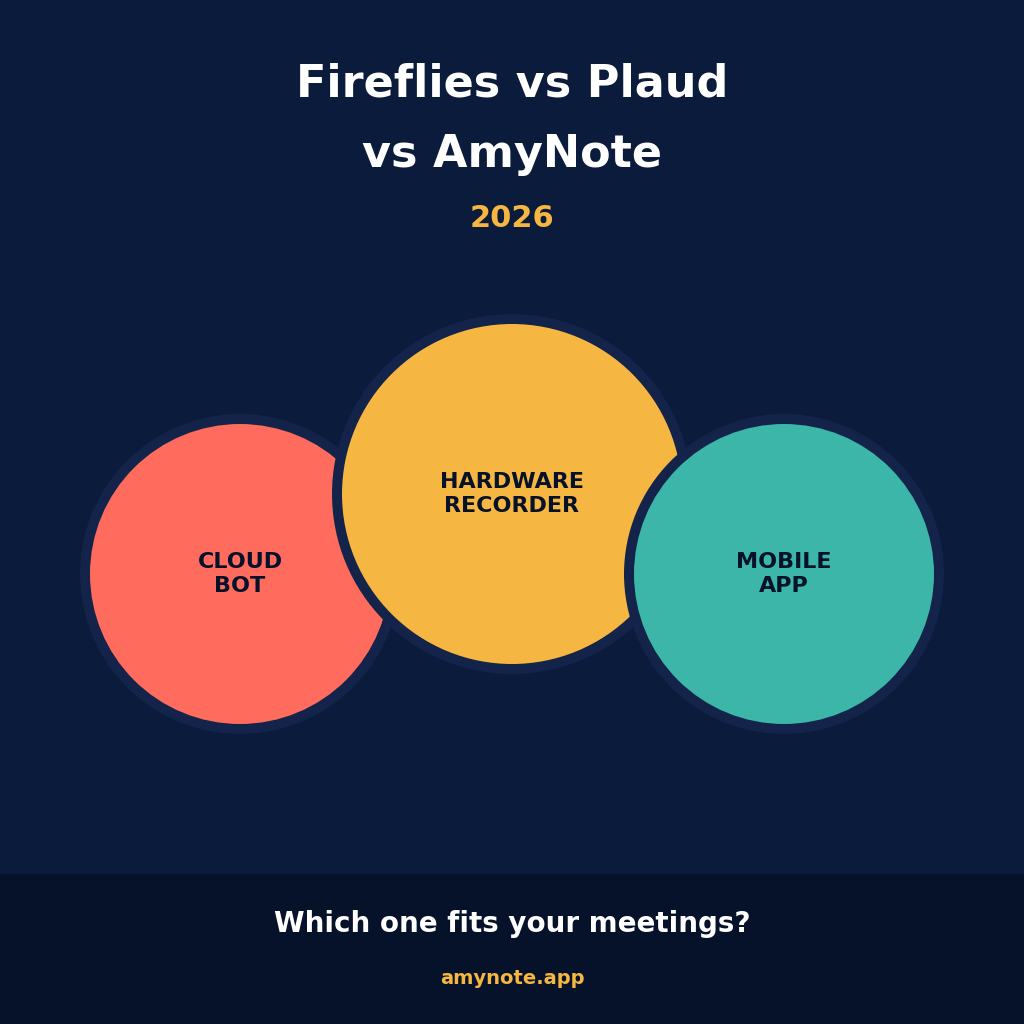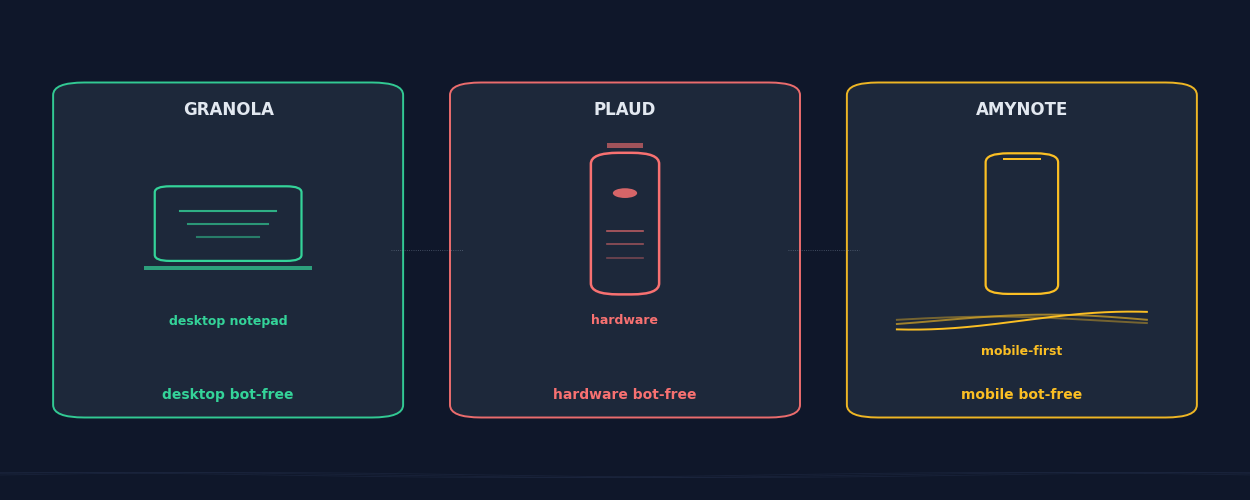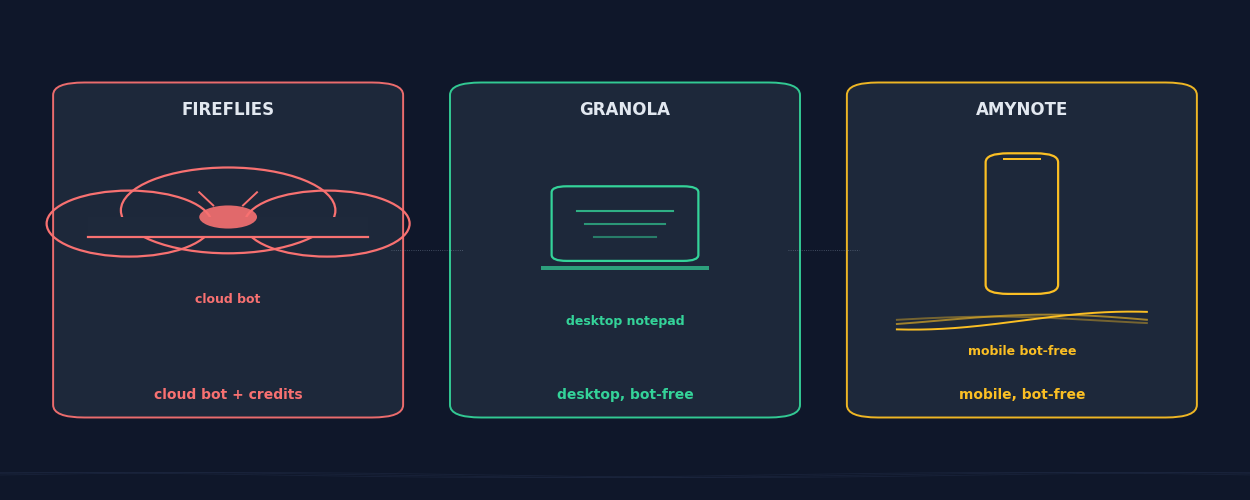
Three meeting tools that look like competitors on the same shelf and turn out to be three completely different products. Fireflies ships a visible bot into your calls and a credit meter into your account. Granola sits quietly on your laptop and takes notes while you type. AmyNote lives on your phone and never asks anyone for permission to listen.
The vendors all use the same language — "AI meeting notes," "transcription," "summaries" — but the products bet on three different surfaces for capture. That distinction sounds small until you actually try to use the wrong one. Picking the wrong one is not a feature regret. It is a workflow regret.
This is an honest 2026 head-to-head of Fireflies, Granola, and AmyNote, including where each one falls down.
Quick Verdict
Choose Fireflies if your team lives in Zoom, Meet, or Teams all day, you want a cloud workspace where conversation intelligence and CRM sync matter, and you are comfortable budgeting AI usage in credits.
Choose Granola if your meetings happen on a Mac or Windows laptop, you take notes by typing while you listen, and you want an invisible-to-others capture layer with no bot in the call.
Choose AmyNote if most of your important conversations happen in person, on a phone call, or away from a desk, and you want every minute of AI summary and search without a credit meter.
What We Compared
Pricing, capture model, language coverage, AI features and their limits, and data handling defaults. Where a feature is locked to a higher tier or capped by credits, we name the tier and the cap. All figures verified against vendor pricing pages in June 2026.
We did not score on feature-list bingo. The feature lists across these three tools are roughly the same shape: transcription, summaries, action items, search. What separates them is where they sit while the meeting happens, and what hidden caps decide whether the AI features actually fire on the meeting you need them on.
Fireflies: Cloud Bot Powerhouse With a Credit Meter
Strengths. Fireflies covers four meeting platforms out of the box — Zoom, Google Meet, Microsoft Teams, and Webex — plus 40+ workflow integrations. The Free plan now includes 800 transcription minutes per month with basic integrations, generous compared with most rivals. The Chrome extension Live Assist gives a bot-free option inside Google Meet for users who do not want a visible bot in the call.
Multi-Language Mode supports 60+ languages in a single conversation, and the overall language list crosses 100. AskFred handles cross-meeting Q&A — ask "what did the customer say about pricing last quarter" and get exact quotes from a year of calls. Topic Trackers surface recurring themes across calls, useful for sales coaches and CS leaders looking for renewal-risk signals.
Weaknesses. Every Fireflies paid plan now runs on an AI credit system. Pro ships with 20 workspace credits, Business with 30, Enterprise with 50. AskFred, advanced summaries, action item detection, and meeting highlights all draw from that pool. Hit the cap and those features pause until the next month or you buy credits at roughly $0.10 each.
Pricing is $10/user/mo Pro, $19/user/mo Business, $39/user/mo Enterprise on annual; monthly billing runs $18 and $29. HIPAA, SSO, and custom data retention require Enterprise. Most importantly, the default capture is a bot that other participants can see, name, and sometimes object to. For sales discovery and post-mortem reviews that is fine. For an executive 1:1, an HR conversation, or a customer in crisis, "Fred is joining the call" can change how the other person speaks.
Granola: Desktop Notepad That Does Not Join the Call
Strengths. Granola is the most polished take on the "no bot, just a notepad" pattern. It captures system audio directly from your Mac or Windows desktop, so other meeting participants have no way of knowing you are recording. Transcription is handled by Deepgram and AssemblyAI, summaries by GPT-4o and Claude, and accuracy lands in the 90 to 92 percent range on clean desktop audio.
The Business tier at $14/seat/mo unlocks unlimited history plus integrations with Notion, HubSpot, Slack, and Zapier. Granola earned SOC 2 Type 2 certification in July 2025. An iOS app now records phone calls and in-person meetings, extending the desktop story a bit further. Templates are the cleanest in the category — the AI fills in the structure you defined, and you keep typing on top of it during the call.
Weaknesses. The Free tier caps history at 25 meetings and locks integrations behind Business. There is no Android app. The product is built around a person typing notes while listening, which is great for consultants and VCs taking back-to-back calls but awkward for a salesperson who lives in the car or a clinician who carries a phone, not a laptop.
In-person capture works best with the iOS app or a desktop you can carry into the room, not the headline desktop client. And meeting data feeds Granola's model training by default, with org-wide opt-out behind the Enterprise tier — a setting worth flipping on day one for any regulated team.
AmyNote: Mobile-First, Bot-Free, No Credit Meter
Strengths. AmyNote is a pure mobile app on iOS and Android. There is no bot to dismiss, no Chrome extension to install, no laptop to keep open. It captures in-person conversations, phone calls, and dictation. Transcription runs through OpenAI's latest Speech API and AI analysis through Anthropic's Claude Opus. Both providers contractually guarantee zero training on user data. Audio is encrypted in transit; processing copies may be retained to deliver and recover requested features. Transcripts live locally on the device with encrypted transport.
AmyNote covers 120+ languages with real-time translation, broader than Fireflies' 100+ and well beyond Granola's English-first roster. Speaker identification carries across sessions so people you have met before stay recognized in the next meeting. There is no credit cap on AI summaries or semantic search — the AI features run on every meeting, not the first thirty until the meter resets. The trial is 3 days, no credit card.
The mobile-first shape matters more than the spec list suggests. Most decisions worth capturing happen outside the Zoom window: the hallway debrief after the board meeting, the vendor pitch over lunch, the founder pitch at dinner, the clinician's between-patient handoff. None of those have a laptop on the table. All of them have a phone.
Weaknesses. Honest gaps. No desktop app, which matters if your day is back-to-back Zoom on a laptop. No CRM integration like Fireflies' HubSpot or Salesforce sync, no Notion or Slack pipe like Granola's. No video recording, so demo replay is not a use case. Smaller brand. Team and enterprise features are still on the roadmap.
Side-by-Side Comparison
| Fireflies | Granola | AmyNote | |
|---|---|---|---|
| Capture surface | Visible bot + Chrome Live Assist | Mac/Windows desktop + iOS | iOS + Android |
| Best for | Cloud video calls, CRM sync | Back-to-back Zoom on laptop | In-person, phone, anywhere mobile |
| Languages | 100+, 60+ simultaneous | English-strong, multi available | 120+ with real-time translation |
| Free tier | 800 min/month | 25 meetings lifetime | 3-day full trial, no card |
| Paid entry | $10/user/mo Pro (20 credits) | $14/user/mo Business | Flat individual, no credit cap |
| AI metering | Credit cap on AskFred, summaries | No per-meeting cap on paid | No credit cap |
| Privacy posture | Cloud workspace, HIPAA on Enterprise | SOC 2 Type 2, training opt-in by default | Local storage, zero-training contracts |
Where Each One Breaks
Fireflies breaks when the credit meter does. A team that lives on AskFred can chew through 30 Business credits before mid-month, and then the AI features pause until the calendar resets or someone buys credit packs. Sales coaches who use AskFred to pull patterns across last quarter's calls feel this first. Fireflies also breaks the moment the other participant says "please don't record" — the bot is visible, named, and easy to object to.
Granola breaks the moment the meeting leaves the laptop. A consultant flies to a client site, takes the in-person meeting, and the desktop notepad never had a chance to listen. The iOS app helps but is not the focus of the product. The 25-meeting lifetime cap on Free is a hard wall most active users hit inside a month, and the default opt-in to AI training means a privacy team has to actively flip a setting before the tool is safe to use on confidential calls.
AmyNote breaks on desktop-first workflows. If your day is 90 percent of Zoom calls on a laptop with HubSpot sync, this is the wrong tool. Pick the one that matches where your meetings actually happen.
The Bottom Line
Fireflies is the best pick when conversation intelligence is the actual product you are buying. CRM sync, Topic Trackers, AskFred across a year of meetings, sales coaching clips. Accept the bot, accept the credit meter, and you get a mature workspace that integrates everywhere.
Granola is the best pick when you genuinely take notes by typing during meetings on a laptop and want the recording layer to be invisible to everyone else. The new iOS app extends that story but is not yet the focus of the product. Android-first teams should look elsewhere.
AmyNote is the best pick when the meetings that matter are in person, on a phone, or anywhere a laptop is not. Mobile-first capture, no bot, no Chrome extension, no credit meter, and a privacy posture where audio never trains an AI model and transcripts remain in your local library while connected features use cloud processing. Start the 3-day free trial at amynote.app and see if mobile-first bot-free is the missing piece in your meeting stack. There is no perfect AI note-taker. There is the right one for the way your calendar actually looks.
Originally published as an X Article.