You want notes without a meeting bot in the room. The senior partner does not want a strange participant on the recording. The hospital lawyer flagged it. The client said, “is something joining us?” Nothing visible, nothing announced, nothing the other side can object to.
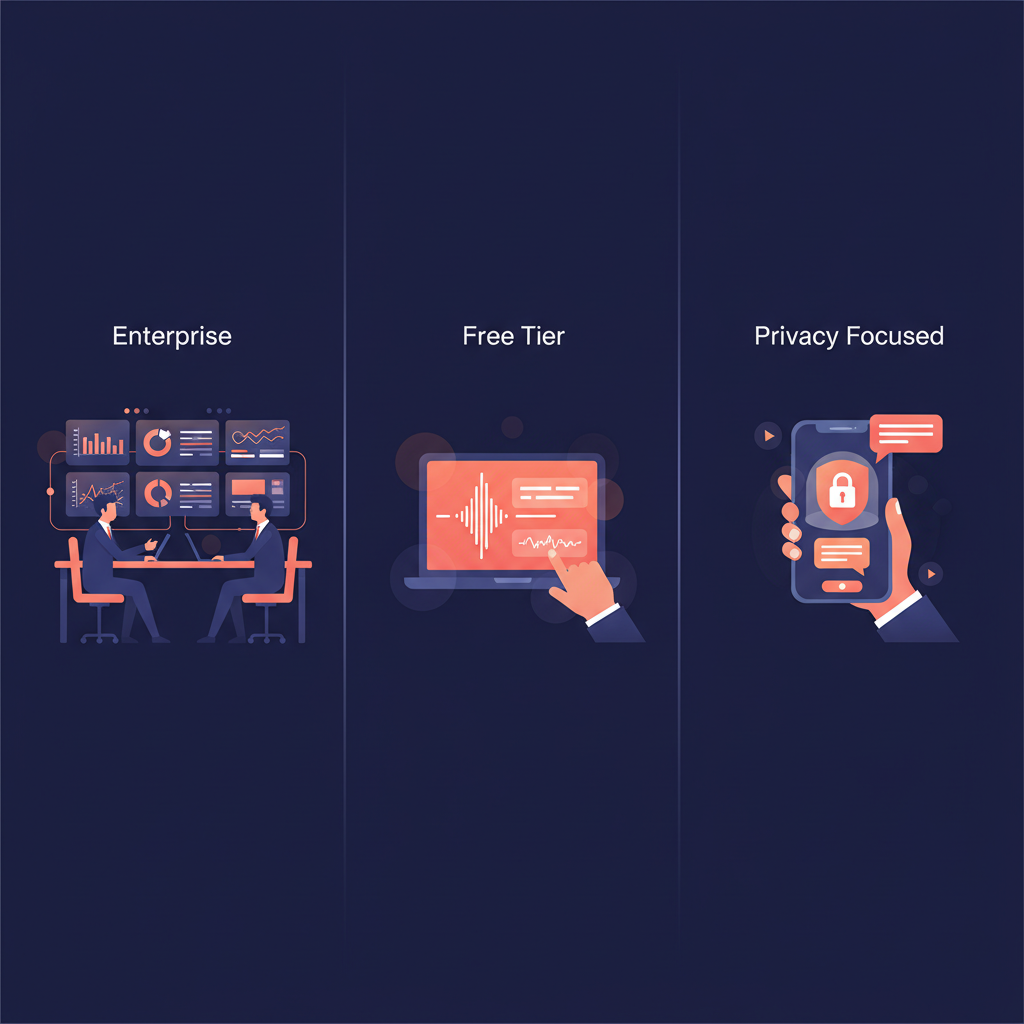
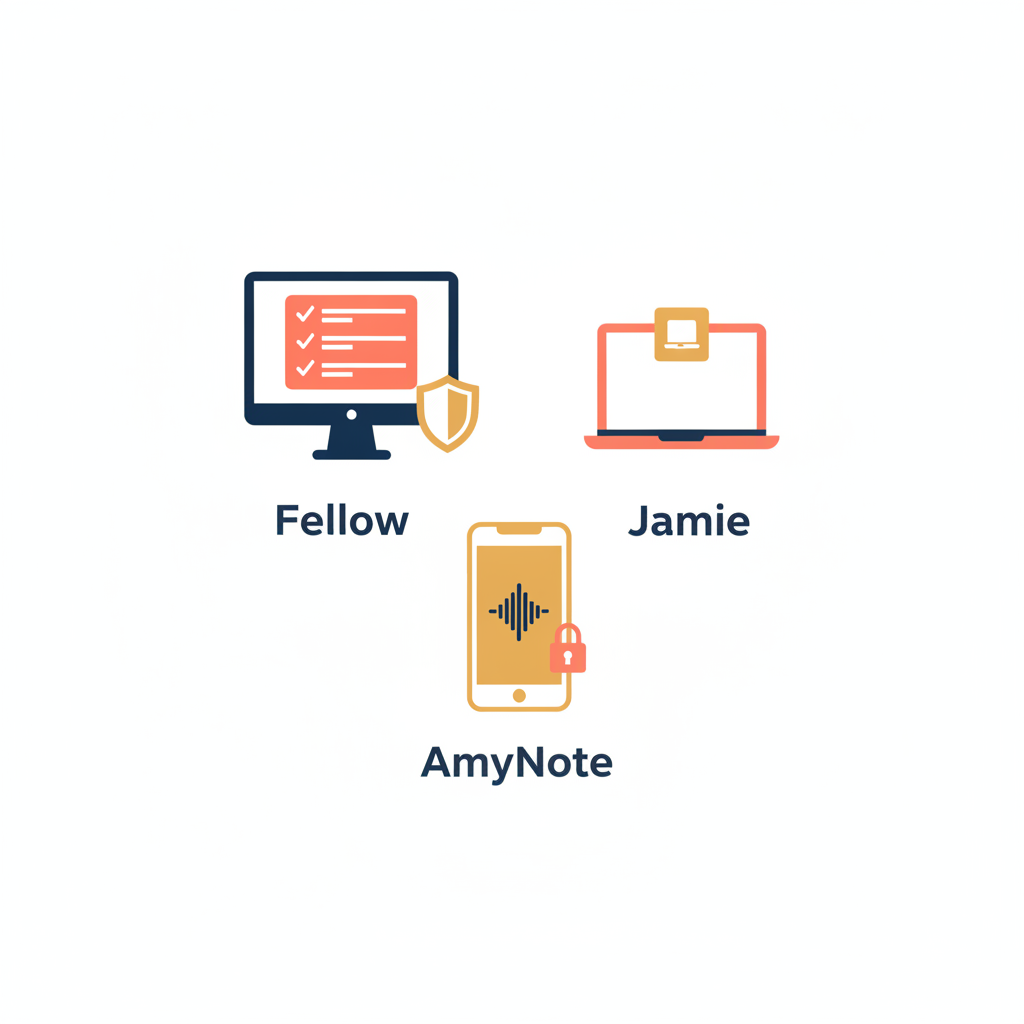
Three tools serve that demand from three different angles in 2026. Fellow is the enterprise option, with bot-free desktop capture and a heavy compliance stack. Jamie is the premium individual option, with native desktop capture and a German-hosted privacy story. AmyNote is the mobile-first option, built for the meetings that never happen on a laptop at all.
The decision is no longer a feature checklist — all three deliver clean transcripts, summaries, and action items. The decision is about where you actually meet, what your security team will sign off on, and what you are willing to pay per seat once the free tier limits bite. This guide walks through each tool, pulls current pricing straight from the vendor sites as of June 2026, and ends with a side-by-side breakdown so you can match the form factor to the room.
Quick Verdict
Pick Fellow if you are equipping a team and the procurement form asks for SSO, SCIM, HIPAA, and CRM sync.
Pick Jamie if you are one person who wants the cleanest bot-free desktop experience and you do not mind paying premium per seat for it.
Pick AmyNote if half your meetings are in a coffee shop, a hospital corridor, or a client’s living room, and a laptop is not coming with you.
What We Compared
Three things matter when the requirement is “no bot in the room”:
- Where the capture happens. Desktop only, mobile only, or both.
- What gets caught in the privacy net. Where audio travels, where transcripts live, and what the AI vendor is allowed to do with the data.
- What it actually costs once the free tier limits bite.
We checked current pricing directly from each vendor’s site as of June 2026.
Fellow: The Enterprise Bot-Free Option
Fellow started as collaborative meeting agenda software and grew an AI meeting assistant on top. Today it does both: it organizes the meeting before it starts and captures it during.
Strengths
Fellow has the strongest compliance stack of the three. SOC 2 Type II, GDPR, HIPAA, SSO with Okta and OneLogin, SCIM provisioning, HRIS sync, and delegated access for executive assistants. The desktop botless capture means no extra participant on Zoom or Teams calls, and admins control who can record what. CRM field suggestions, agenda templates, and an Ask Fellow agent that searches across past meetings round it out.
For organizations where institutional knowledge is spread across hundreds of weekly meetings, the cross-meeting search agent is the differentiator. A product manager can ask “what did engineering decide about the migration timeline?” and get an answer pulled from a meeting they never attended. Most competitors do not even attempt this.
Weaknesses
Free plan covers 10 users with core features but the AI recap and recording limits kick in fast. Botless capture is desktop only, so anyone who works from a phone is out. Paid CRM integrations require the Business tier at $15 per user per month, and the full enterprise governance only shows up at $25 per user per month. For a solo user, it is overbuilt and the team-oriented UI shows it.
Pricing (current). Free for teams up to 10. Team at $7 per user per month. Business at $15. Enterprise at $25. A Solo plan exists for individuals who want full AI features without a team workspace.
Jamie: The Premium Bot-Free Option
Jamie is the cleanest expression of “bot-free desktop capture.” It runs natively on your Mac or Windows machine, listens to system audio, and produces a summary, transcript, and action items in 100-plus languages. No bot joins the call. No extra participant shows up on the invite.
Strengths
The capture experience is genuinely excellent. The Executive Assistant sidebar opens with Command+J or Ctrl+J, surfaces a draft summary the moment the call ends, and lets you re-prompt against the transcript using GPT-4 or Claude. Privacy infrastructure runs on German servers with GDPR alignment, which matters for European teams. Free tier is generous enough to actually evaluate: 10 meetings per month with a 30-minute cap.
Where Jamie pulls ahead of Fellow for a solo knowledge worker is taste — the product feels designed by someone who wants to use it every day, not by a procurement committee. The summary opens before you have closed Zoom. The re-prompt against the transcript is the kind of detail that sells the tool by itself once you try it.
Weaknesses
Jamie is desktop-only. There is no Android app, and no field-friendly mobile workflow. Paid plans are euro-denominated and run high by category standards: Plus at €25 per month for 20 meetings (2-hour cap), Pro at €47 per month for unlimited meetings (3-hour cap), Team at €39 per seat per month. Integrations are limited to Google Calendar and Outlook. No CRM, no project management, no video. Meeting data has to leave Jamie manually if you want it anywhere else.
Pricing (current). Free with 10 meetings per month. Plus €25/month. Pro €47/month. Team €39 per seat per month. Enterprise custom.
AmyNote: The Mobile-First Bot-Free Option
AmyNote does not try to be Fellow and does not try to be Jamie. It assumes the most important meeting of the week happens off the laptop entirely: a hallway conversation at a conference, a one-on-one in a client’s office, a parent-teacher meeting at a school. The phone is the only device that comes along.
Strengths
Pure mobile capture, no bot, no hardware accessory. Transcription runs on OpenAI’s latest Speech API and AI analysis runs on Anthropic’s Claude Opus. Both providers contractually guarantee zero training on user data. Audio is encrypted in transit; processing copies may be retained to deliver and recover requested features. Transcripts and recordings stay on the device with encrypted transport. 120-plus languages with real-time translation. Cross-session Speaker ID remembers voices between meetings, which most competitors reset every call. Pricing is one tier, not three. Free trial is 3 days, no credit card.
The mobile-first bet is the part that matters. Consultants meeting clients on site, doctors in a corridor, parents at a school, salespeople in a coffee shop — none of them are opening a MacBook to start a Jamie session. AmyNote covers the ground neither Fellow nor Jamie touches.
Weaknesses
No desktop app, so the Zoom-call-from-a-laptop workflow is not the natural fit. No CRM integrations, no video recording, no team or enterprise admin features yet. Smaller brand than the incumbents. If your meetings are 90 percent on Google Meet from a desk, this is not the tool for you.
Pricing (current). 3-day free trial (no credit card), then subscription.
Side-by-Side Comparison
| Dimension | Fellow | Jamie | AmyNote |
|---|---|---|---|
| Capture mode | Desktop botless + optional bot | Desktop botless only | Mobile-first, no bot ever |
| Platforms covered | Zoom, Meet, Teams, Slack Huddles, in-person via laptop | Any desktop audio | Any in-person or phone-based conversation |
| Languages | 99+ | 100+ | 120+ with real-time translation |
| Privacy posture | SOC 2 Type II, GDPR, HIPAA, SSO/SCIM | GDPR-aligned German hosting | Contractual zero-training, local-on-device, encrypted transport |
| Free tier ceiling | 10 users, capped recordings | 10 meetings/mo, 30-min cap | 3-day full trial, no card |
| Entry paid price | $7/user/mo | €25/mo | Single tier |
| Mobile workflow | Weak | Absent | Native |
| CRM & integrations | Strongest | Calendar only | None |
| Enterprise admin | Yes ($25 tier) | Limited | Not yet |
| Speaker memory across meetings | Yes (Ask Fellow) | Session-scoped | Cross-session |
How To Decide In Five Minutes
If you are not sure which one to pick, answer these in order:
- Do at least a quarter of your meetings happen off a laptop? If yes, only AmyNote covers them. Fellow and Jamie both assume the conversation happens through your computer’s microphone.
- Does your security team require SSO, SCIM, or HIPAA on the order form? If yes, Fellow is the only one of the three with the full compliance stack at the $25 tier. Jamie’s German hosting helps in Europe but is not a substitute for an enterprise governance review.
- Is the buyer you, paying out of pocket, working solo from a desk? Jamie is built for exactly this user. Try the 10-meeting free tier honestly and you will know within a week whether the premium price is worth it for you.
Most decisions break cleanly on question one. The teams that lose the most value are the ones who buy Fellow or Jamie, then realize three months in that the meetings they most wish they had captured were the on-site ones the desktop tool was never going to reach.
The Bottom Line
The choice maps cleanly to who you are.
If you are a procurement-driven team buyer with a compliance checklist and 50 seats to fill, Fellow is the right answer. The integrations, the SSO, the audit controls, and the CRM sync are real differentiators when an enterprise security review is the blocker.
If you are one knowledge worker who lives on a laptop, who values a beautifully minimal capture experience, and who is fine paying premium for it, Jamie is exceptional at what it does. The 30-minute free meetings let you test it honestly before committing.
If your meetings happen anywhere a phone fits and you want bot-free without buying a recorder or a desktop seat, AmyNote covers the gap. Mobile-native, zero-training privacy, real-time translation, one price tier. Try the 3-day trial at amynote.app.
Whichever you pick, the bot-free question is settled. The only thing left is which form factor matches the room.
Originally published as an X Article.