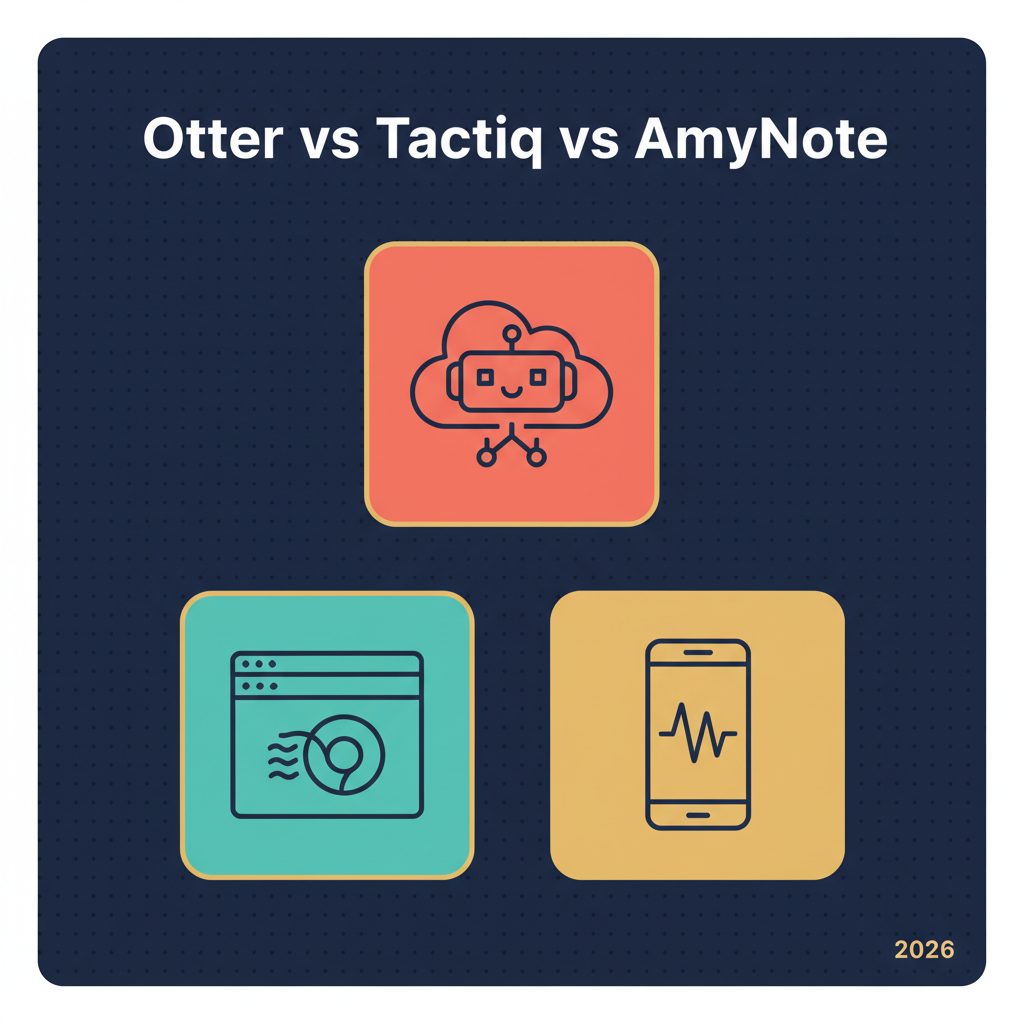
You can compare AI meeting tools by feature list all day and still pick the wrong one. The interesting differences in 2026 are not in the feature grid — they are in the recording mechanism. Otter sends a visible bot into your Zoom or Meet call. Tactiq reads the captions your browser is already producing and never touches the audio. AmyNote opens your phone microphone and records the room. Each tool is built around a different assumption about where meetings happen and what is socially acceptable inside them.
This guide compares all three on what actually matters: who joins the call, where the audio lives afterward, what the AI is allowed to do with it, and what each one really costs in 2026.
Quick Verdict (TL;DR)
- Pick Otter if your meetings are almost all on Zoom, Meet, or Teams, you want a bot to auto-join from your calendar, and you want slide capture plus cross-meeting search across a team.
- Pick Tactiq if you live in Chrome, you only need transcripts and AI summaries for Google Meet, and you specifically do not want any tool recording audio at all.
- Pick AmyNote if a real share of your meetings happen in person, on a phone call, or in a clinic, and you want zero-training privacy from both OpenAI and Anthropic with everything stored locally on your phone.
What We Compared
Four things buyers trip over: recording mechanism, where audio and transcripts live, real pricing in 2026, and which meeting shape each tool is honestly designed for. The interesting differences are structural, not cosmetic. We did not score raw transcription accuracy — all three sit inside the same band for clean English audio in 2026, and the points where a buyer regrets a choice show up in deployment model and pricing, not word-error rate.
Otter — Strengths and Weaknesses
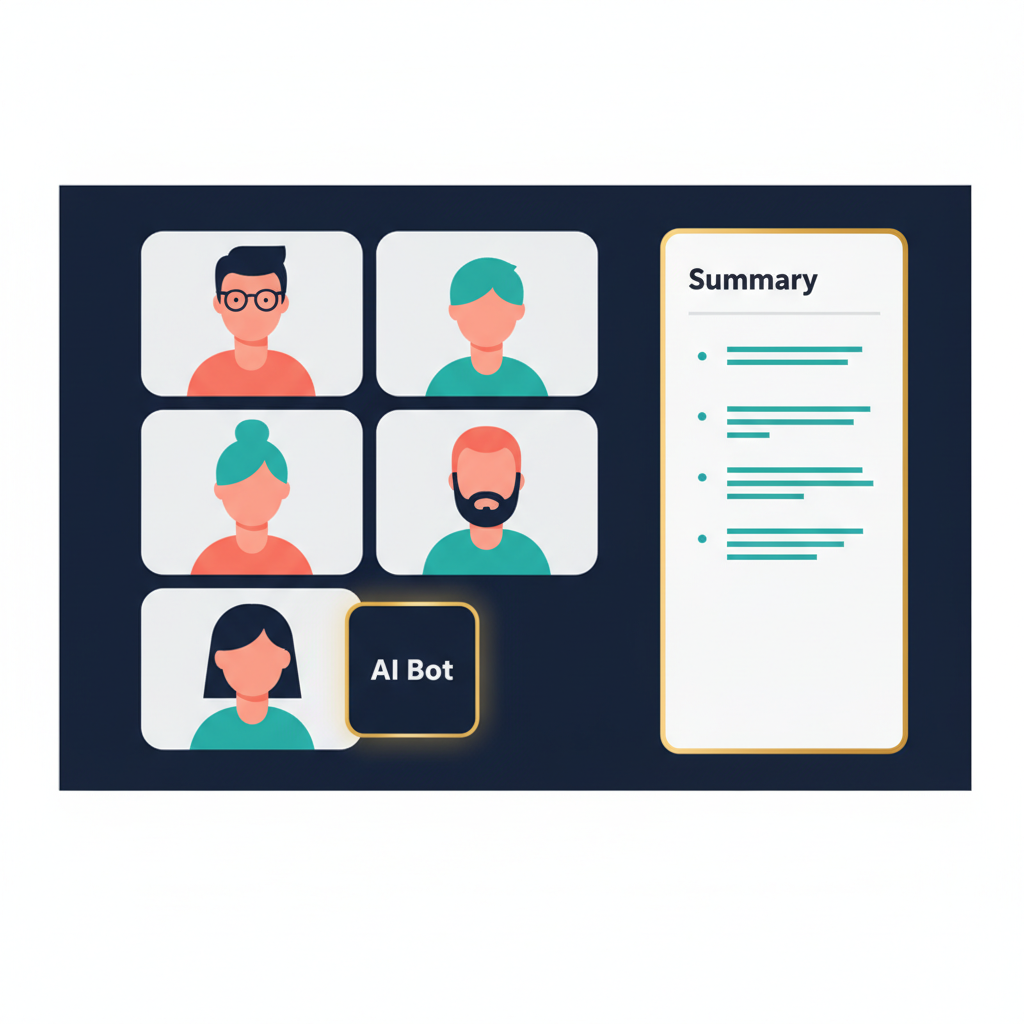
Otter is the dominant cloud-bot model. OtterPilot joins your scheduled Zoom, Google Meet, and Microsoft Teams calls from your calendar, records the audio, transcribes in real time, and emails a structured summary when the call ends. It is the most polished version of the auto-join, auto-summarize workflow on the market in 2026.
Strengths
- Visual Context. OtterPilot 3.0 captures shared slides and whiteboard sketches into the transcript at the exact timestamp, so a "see the chart on slide 7" reference in the summary actually links to slide 7.
- Cross-Meeting Intelligence. A user can ask, "What was the consensus on the Q3 budget across all marketing meetings in December?" and get an answer grounded in the team's full archive — not just the last call.
- Live notes during the call. Notes can be shared with participants in real time, which is genuinely useful in long internal syncs where context drift is the actual cost.
- Mature integrations. Salesforce, HubSpot, Slack, Notion, and the rest of the meeting-management stack are first-class.
Weaknesses
- The bot is a visible participant. Some prospects, candidates, and legal counterparts do not want a third-party "AI notetaker" tile in their call. The bot can be turned off, but the default behavior is to be visible.
- Minute and conversation caps bite. Basic is free with 300 minutes/month, a 30-minute conversation cap, and 3 lifetime imports. Pro is $8.33/user/mo annual ($16.99 monthly) with 1,200 minutes and a 90-minute conversation cap — easy to hit on a real workday.
- Business tier is where unlimited starts. Business at $19.99/user/mo annual ($30 monthly) removes the monthly minute cap but keeps a 4-hour meeting ceiling. Enterprise is custom.
- In-person is second-class. Otter is fundamentally a Zoom/Meet/Teams tool. Phone calls and in-person meetings are not where it lives.
Tactiq — Strengths and Weaknesses
Tactiq is the captions-reader. Instead of joining as a bot or recording the audio stream, the Chrome extension reads the live captions Google Meet already generates and assembles them into a structured transcript. For Zoom and Teams it uses each platform's captioning hooks. The audio itself is never recorded or stored — a posture that matters a lot in regulated and legal-sensitive teams.
Strengths
- No bot, no audio recording. The bot-free design dodges the social awkwardness of an "AI Notetaker" tile in your call, and it dodges the deeper question of who has custody of the audio after the meeting ends.
- Zero-setup on Google Meet. Install the extension, sign in, and the next Meet call shows captions and transcripts in a sidebar. No calendar permission dance.
- Solid compliance surface. SOC 2 Type II, ISO 27001, GDPR, and HIPAA-compliant, with AI calls routed through OpenAI's enterprise API that does not train on the data.
- Genuinely usable free tier. 10 transcripts per month plus 5 AI credits per month at $0 — enough to evaluate seriously before paying.
Weaknesses
- Captions-only means no in-person, no phone calls, no audio uploads. If your meeting moves off a video conference platform, the tool stops.
- AI credits are the hidden cap. Pro is $8/user/mo annual ($12 monthly) and includes unlimited transcripts — but still only 10 AI credits per month, which is the part most teams came for. Team at $16.7/user/mo annual ($20 monthly) is where unlimited AI credits start.
- Browser-only deployment. Chrome and Edge today. No Safari, no native mobile app.
- Business tier for SAML SSO. $40/user/mo with SAML, centralized billing, and configurable data retention. Worth knowing before promising IT a per-seat number.
AmyNote — Strengths and Weaknesses
AmyNote is the mobile-first model. No bot. No browser extension. No hardware. The phone is the recorder, OpenAI's Speech API does the transcription, and Anthropic's Claude Opus handles structured summaries, search, and AI Q&A. It is designed for the meetings the other two ignore: in-person 1:1s, clinic visits, founder coffees, site walks, phone calls, and the international conversations where the audio never sees a Zoom link.
Strengths
- Privacy architecture built around contracts, not just servers. Both OpenAI and Anthropic contractually guarantee zero training on user data. Audio is encrypted in transit; processing copies may be retained to deliver and recover requested features. Transcripts are stored locally on the device with encrypted transport.
- Cross-session Speaker ID. The same client's voice is recognized week after week, instead of resetting to "Speaker 1, Speaker 2" every time.
- 120+ languages with real-time translation. Broader than either Otter or Tactiq, and meaningful for any team that meets across borders or in bilingual healthcare settings.
- Simple pricing. 3-day free trial, no credit card. Flat subscription afterward, no minute caps, no AI credit ladder, no per-seat math.
- Native capture where the other two cannot reach. A phone on the table in a coffee meeting, a phone in a doctor's coat pocket on a clinical round, a phone in a contractor's hand on a job-site walk.
Weaknesses (honest)
- No desktop app today. If your day is back-to-back Zoom calls on a laptop, this is not the right tool.
- Audio only. No video recording, no tl;dv-style highlight reels.
- No native CRM sync today. Salesforce and HubSpot users will not see auto-push to opportunity records.
- No enterprise admin surface yet. Built for individuals and small teams in 2026.
- Smaller brand than Otter. Some buyers want the name on the procurement form.
Side-by-Side Comparison
| Dimension | Otter | Tactiq | AmyNote |
|---|---|---|---|
| Recording mechanism | Bot joins, records audio | Reads captions, no audio | Phone mic records the room |
| Bot visible in call | Yes | No | No |
| Where audio lives | Otter cloud | No audio captured | Processing copies may be retained; saved transcripts remain on device |
| Free tier (2026) | 300 min/mo, 30 min/conversation | 10 transcripts/mo, 5 AI credits | 3-day trial, no credit card |
| Paid entry | Pro $8.33/user/mo (annual) | Pro $8/user/mo (annual) | Flat plan, no per-seat math |
| Unlimited tier | Business $19.99/user/mo (annual) | Team $16.7/user/mo (annual) | Flat plan, no AI ladder |
| Best for online meetings | Auto-join, slides, team search | Zero-friction in Chrome | Phone calls native |
| Best for in-person | Limited | Not supported | Built for it |
| Languages | ~3 well-supported | 60+ | 120+ with real-time translation |
| CRM integrations | Salesforce, HubSpot, Slack | Slack, HubSpot, Linear | None today |
The Bottom Line
These three tools are not really competitors. They are three different theories of what a meeting is.
If your meetings are calendared Zoom or Meet calls with a known team, Otter has the most polished pipeline: the bot joins, captures slides, and builds a searchable archive across every meeting on your calendar. The trade is that the bot is visible to everyone in the call, the audio lives in their cloud, and the minute caps bite once you are on real workdays instead of demo days.
If you live inside Chrome and you specifically do not want anything recording audio, Tactiq is the cleanest fit. Just budget realistically — the cheap Pro plan throttles AI credits, so most teams end up on Team at $16.7/user/mo annual to actually use the AI features they came for.
If your meetings happen everywhere — in person, in a car, on a phone call, in a clinic, across languages — AmyNote at amynote.app is built around that physical reality instead of around a video-call link. Zero-training guarantees from both OpenAI and Anthropic, transcripts stored locally on device, no per-seat pricing, no minute caps, 3-day free trial with no credit card.
Pick the one that matches where your meetings actually happen, not just the loudest brand. The right AI note-taker in 2026 is the one that quietly disappears into the way you already work — not the one whose tile is visible in every call.
Originally published as an X Article: Otter vs Tactiq vs AmyNote on X.